The driver app
What it does
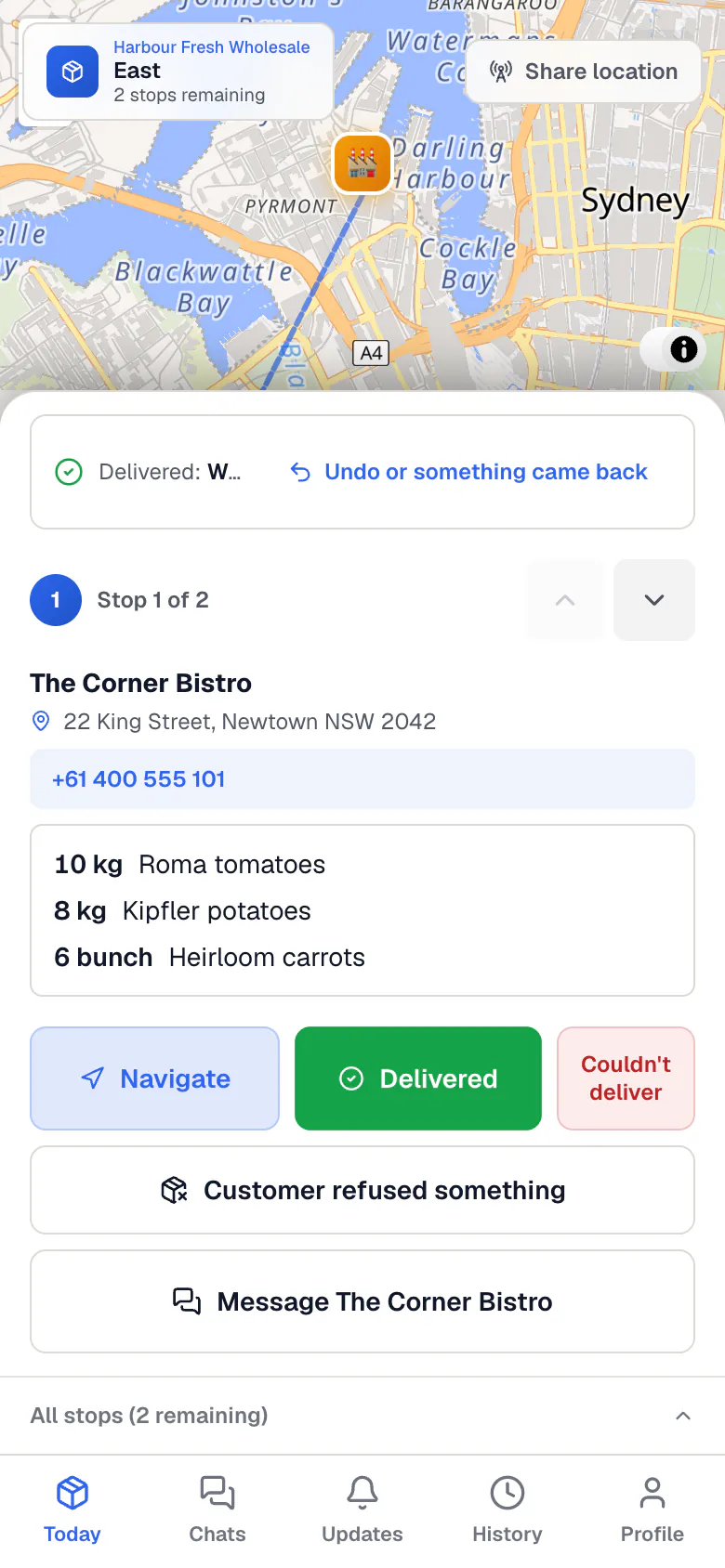
The driver app runs in your phone’s browser. There is nothing to install. It shows today’s stops in order, with a map.
At each stop you mark it delivered and leave proof. If you lose signal, the app keeps what you did and sends it when you are back online.
How to do it
Sign in
- Open the sign-in link your business sends you.
- Use the email they added you with. The first time, create your password.
- Add the page to your home screen so it opens like an app.
Load up and start
- Open Today. Your stops are listed in order.
- Tick each stop once its orders are loaded.
- Press Start the route. Your location is shared while the route is open.
Deliver at each stop
- Tap the stop for the address and the order. Use its map link for directions in your phone’s maps.
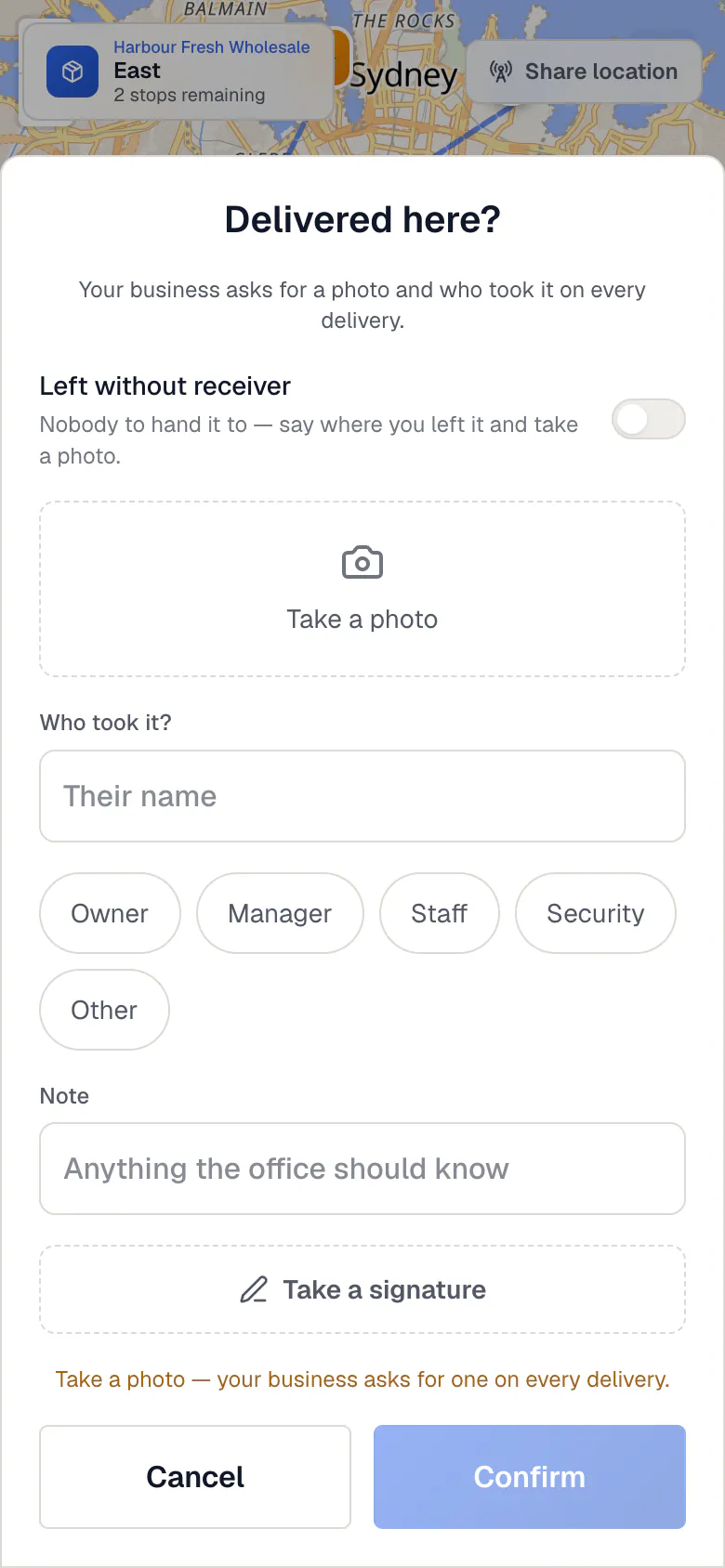
- Press Delivered here? and leave what your business asks for: a photo, a note, or who took it.
- If an item is refused at the door, record it with the reason, such as damaged or wrong item.
- If you can’t deliver, press Couldn’t deliver? and pick why.
- When every stop is done, press Finish the route.
What if…
What if you have no signal?
Carry on. The stop shows as done and waits on your phone. It is sent once, by itself, when you are back online. Press Send now to try straight away.
What if you marked a stop by mistake?
Press Undo delivered on that stop.
What if the office changes your route?
Your list updates and asks you to look at your stops again.
Common questions
Can I see past deliveries?
Yes. History shows the drops you completed, with their proof.
Where do messages from the office arrive?
In Chats and Updates. A small number shows when something is new.
Can I change a delivery after it is done?
No. Proof is locked once saved. Tell the office, who can add a correction.
I can’t sign in. What do I do?
Ask your business for a new sign-in link. Use the same email they added you with.
Still stuck?
Ask the office first. They can reach us too.