Signing in and your account
What it does
Your supplier gives you a link to their ordering page. You sign in there to order, follow deliveries and pay.
Your Account page holds your details, the places you order for, saved payment methods, how you hear from your supplier, and more.
How to do it
Join from an invite
- Open the invite email from your supplier and press the link.
- Choose your password and type it twice.
- Press Create my account. You can order straight away.
Sign up yourself
- Open your supplier’s ordering page and press Sign up.
- Type your email and choose a password, or continue with Google.
- Your supplier is asked to let you in. You see Account pending approval until they do.
Use your Account page
- Open Account.
- You holds your name, email and how you sign in.
- Your business and places shows where deliveries go and where bills go.
- Saved payment methods and Automatic payments are under cards.
- How we tell you things sets what you hear about and where.
What if…
What if your invite link has expired?
Ask your supplier to send a new one.
What if you order for several places?
A head office login sees all your places. Pick the place before you order. A login for one place sees just that place.
What if you can only look, not order?
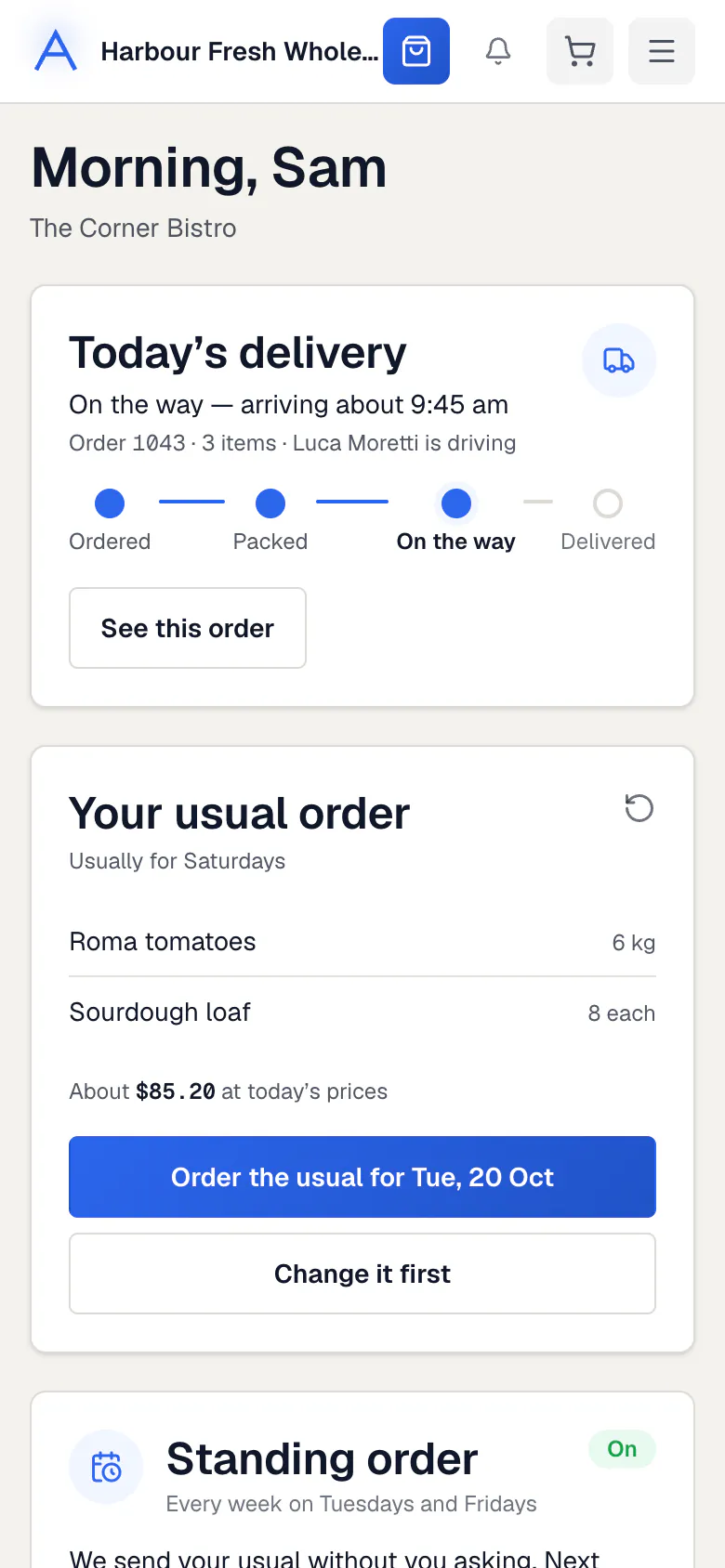
Your Home page says your account reviews orders. Press Ask to place orders to ask your supplier.
Common questions
Can I order on WhatsApp?
If your supplier offers it, Account shows Order on WhatsApp. Press Link my WhatsApp and send the code shown from your phone.
Can I get a price list or catalogue to print?
Yes. In Account, under More, download the catalogue of everything you can order.
I can’t sign in. What do I do?
Check you are using the email your supplier invited. If it still fails, contact your supplier.
Still stuck?
Your supplier knows your account best, so ask them first. Their details are on your invoices. They can reach us too.