Invoices and paying
What it does
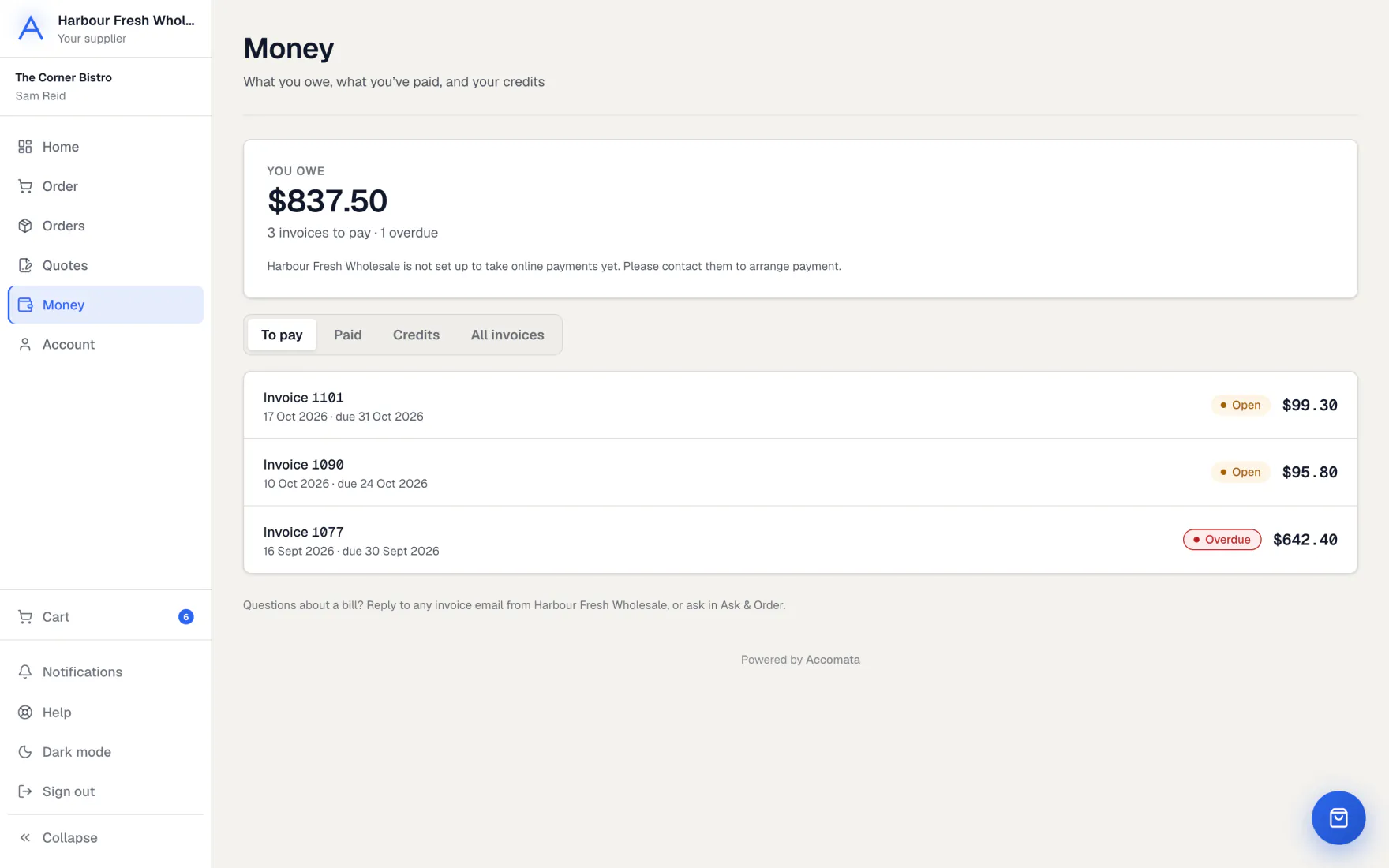
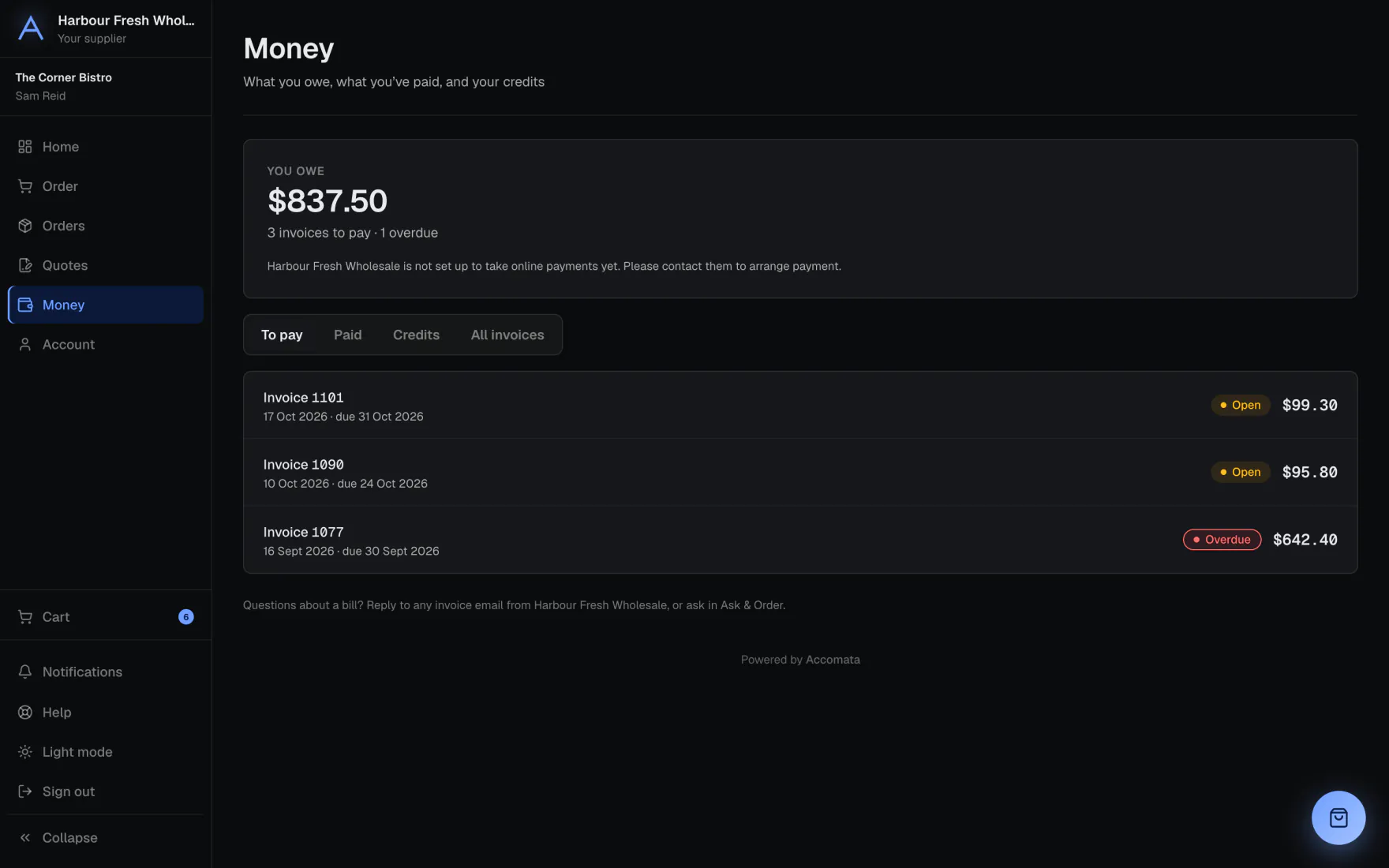
Money shows what you owe, what you have paid and your credit notes. Open any invoice to see it or download it.
If your supplier takes payments online, you can pay by card, and in some countries by bank. You can also save a method and pay automatically.
How to do it
Pay an invoice
- Open Money. To pay lists what is due.
- Press Pay now on an invoice, or pay several at once.
- Choose a card or bank account, or add one. Tick Save this card for next time if you like.
- Press Pay invoice. A receipt is kept under Paid.
Paying by bank
A bank payment takes a few business days to clear. Your receipt says when it has cleared.
Pay automatically
- Open Account and find Saved methods. Add a card or bank account.
- Under Automatic payments, press Review and agree.
- Read when your supplier takes each payment, then press Agree and turn on.
- Turn it off the same way at any time.
What if…
What if there is no Pay button?
Your supplier doesn’t take payments online yet, so pay them the usual way.
What if a bank account says Waiting for you?
Your bank needs a quick check. Press Confirm now and follow the steps.
What if a saved method says Can’t be used?
It has stopped working. Press Add again to set it up afresh.
Common questions
Is it safe to pay here?
Yes. Card and bank details are typed into a secure payment form and go straight to your supplier’s payment account.
Where are my credit notes?
In Money, on the Credits tab, which lists your credit notes.
Can I change which card is used?
Yes. In Saved methods, press Make default on the one you want.
Who do I ask about an invoice?
Your supplier. Their details are on the invoice.
Still stuck?
Your supplier knows your account best, so ask them first. Their details are on your invoices. They can reach us too.