Placing an order
What it does
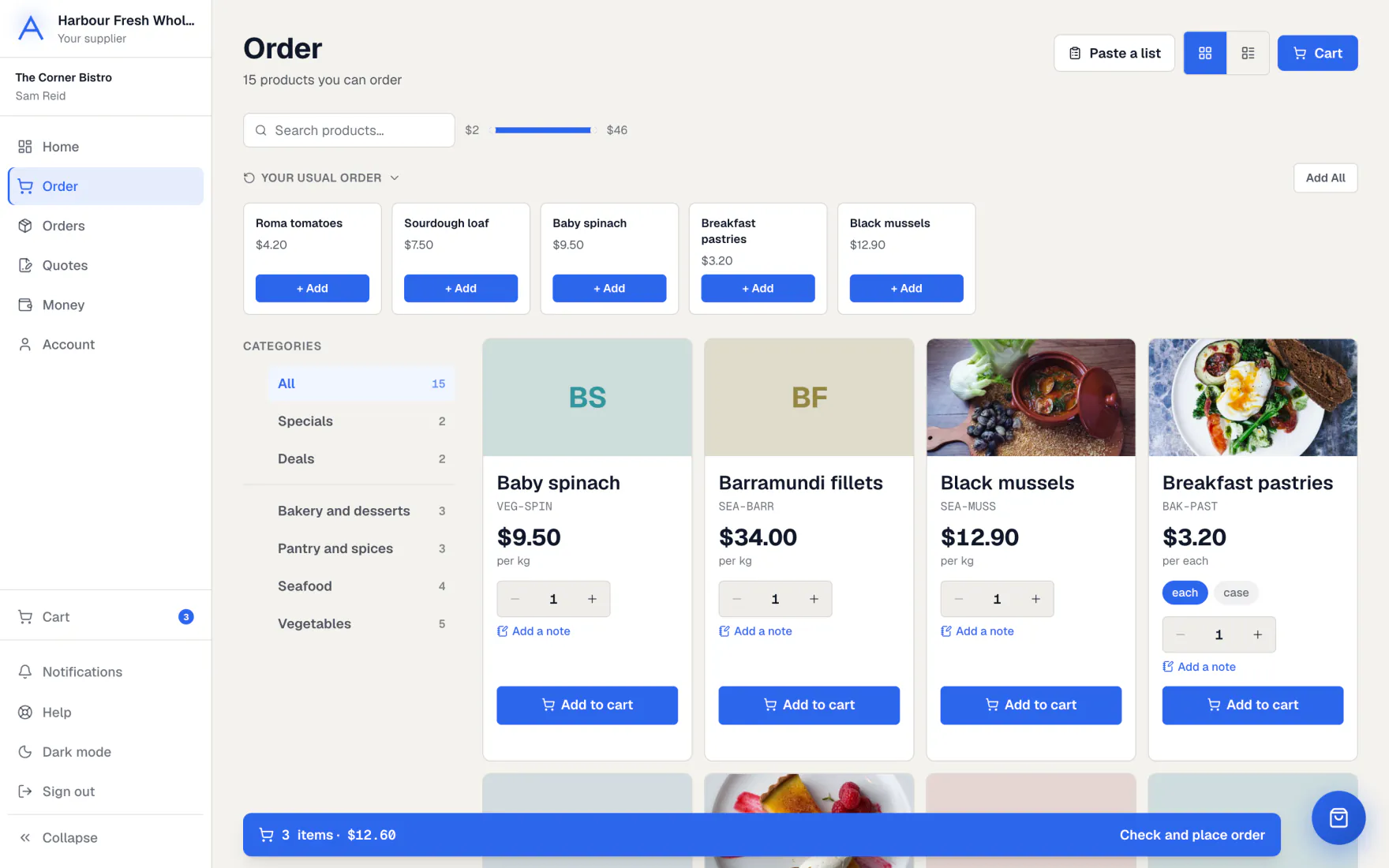
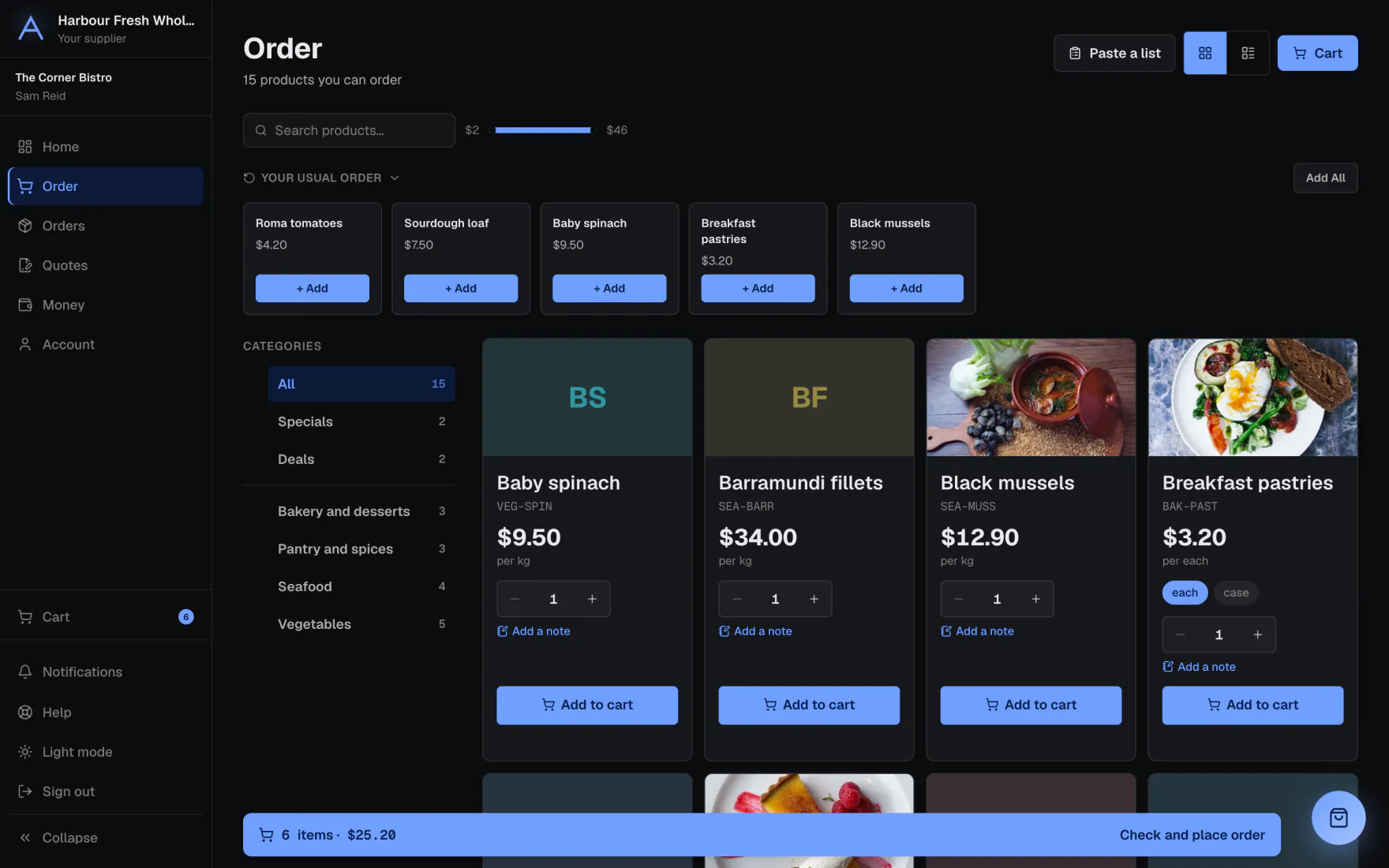
The Order page shows everything you can buy, at your own prices. Specials, deals and products kept for you have their own shelves.
You can order the usual in one tap, paste a list, or send Ask & Order a photo of your list. Your cart is kept on your account, on any device.
How to do it
Place an order
- Open Order. Browse the shelves or search.
- Pick the unit, then use − and + or type how many you want. For a product with sizes, fill in each size you want.
- Press the bar at the bottom to open your cart.
- Check each item and its unit. Choose a delivery day, or the day you’ll collect.
- Press Place order.
Order your usual
- Open Home and find Your usual order.
- Press Order the usual. If something changed, such as a product you can no longer get, press Check it and order instead.
Paste or upload your list
- On Order, open Paste your list.
- Write one item on each row, for example “2 cases roma tomatoes”, or upload a spreadsheet.
- Press Read my list. What we found goes into your cart. Anything we couldn’t find is shown, so you can search for it.
- You can also send Ask & Order a photo or PDF of your list. It fills your cart, and you check it and order.
Set up a standing order
- On Home, press Set one up under standing orders.
- Pick the items and the days. Your usual is sent without you asking.
- Skip a week or pause it whenever you like.
What if…
What if you need to change an order?
You can change it yourself for a set time after placing it. After that, contact your supplier.
What if ordering is closed or paused?
A notice says so and when it opens again. Your cart stays, but you can’t place the order until then.
What if your account is on hold?
You see a notice and can’t place orders. If there is something to pay, a Pay now button takes you to it.
What if your order is under the minimum?
The cart says how much more is needed.
Common questions
Are the prices I see my own?
Yes. You always see your own prices, including deals running now.
Can I order half a kilo?
Yes, for products sold by weight. Products sold in cases or units take whole numbers.
What does Ask & Order do?
It answers questions about your orders, invoices and products, and fills your cart. It never places an order. You check it and place it yourself.
Can I add a note to my order?
Yes. Press Add a note on any item, for a cut or packing, and add delivery instructions in your cart.
Still stuck?
Your supplier knows your account best, so ask them first. Their details are on your invoices. They can reach us too.