Acomi, your assistant
What it does
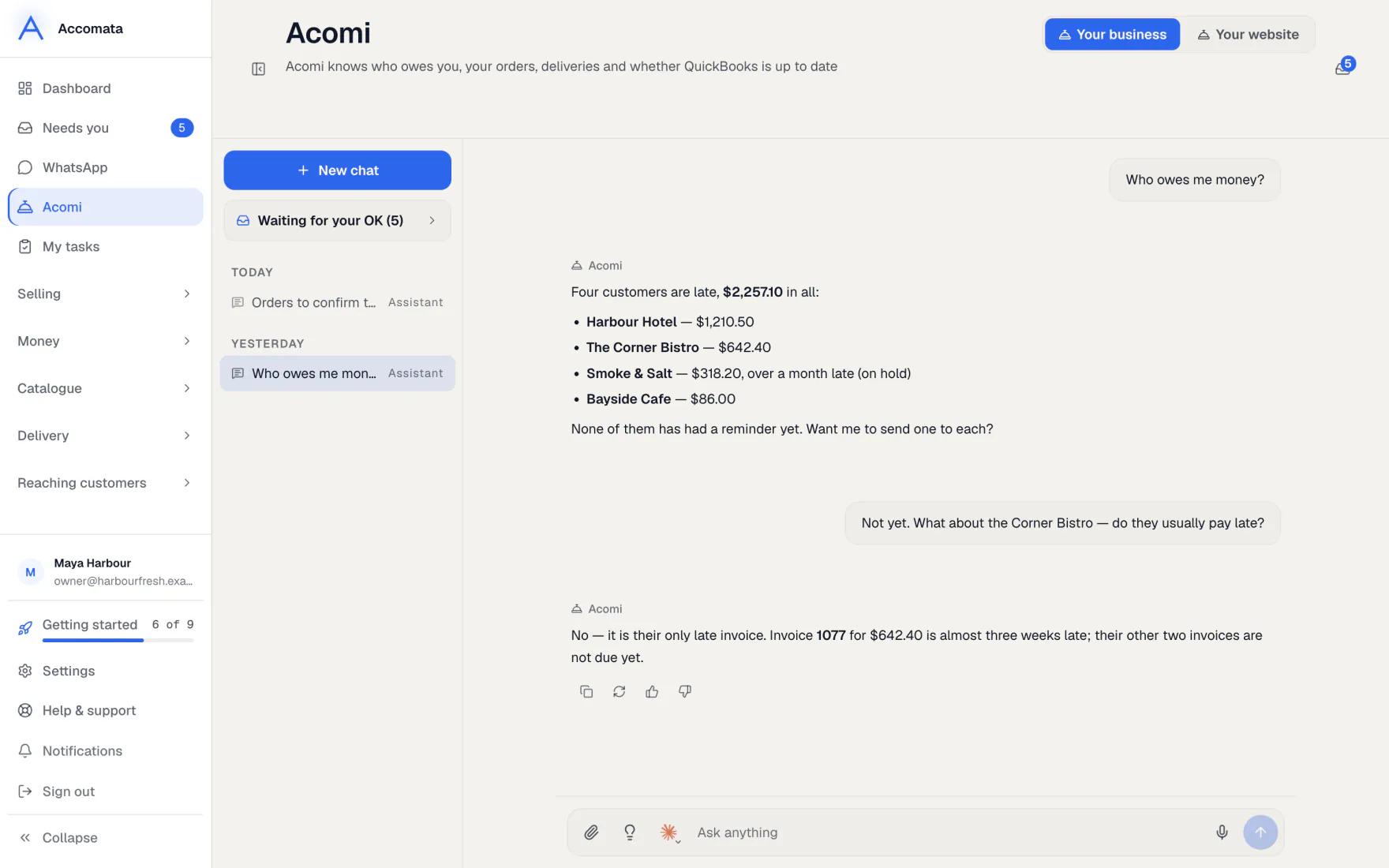
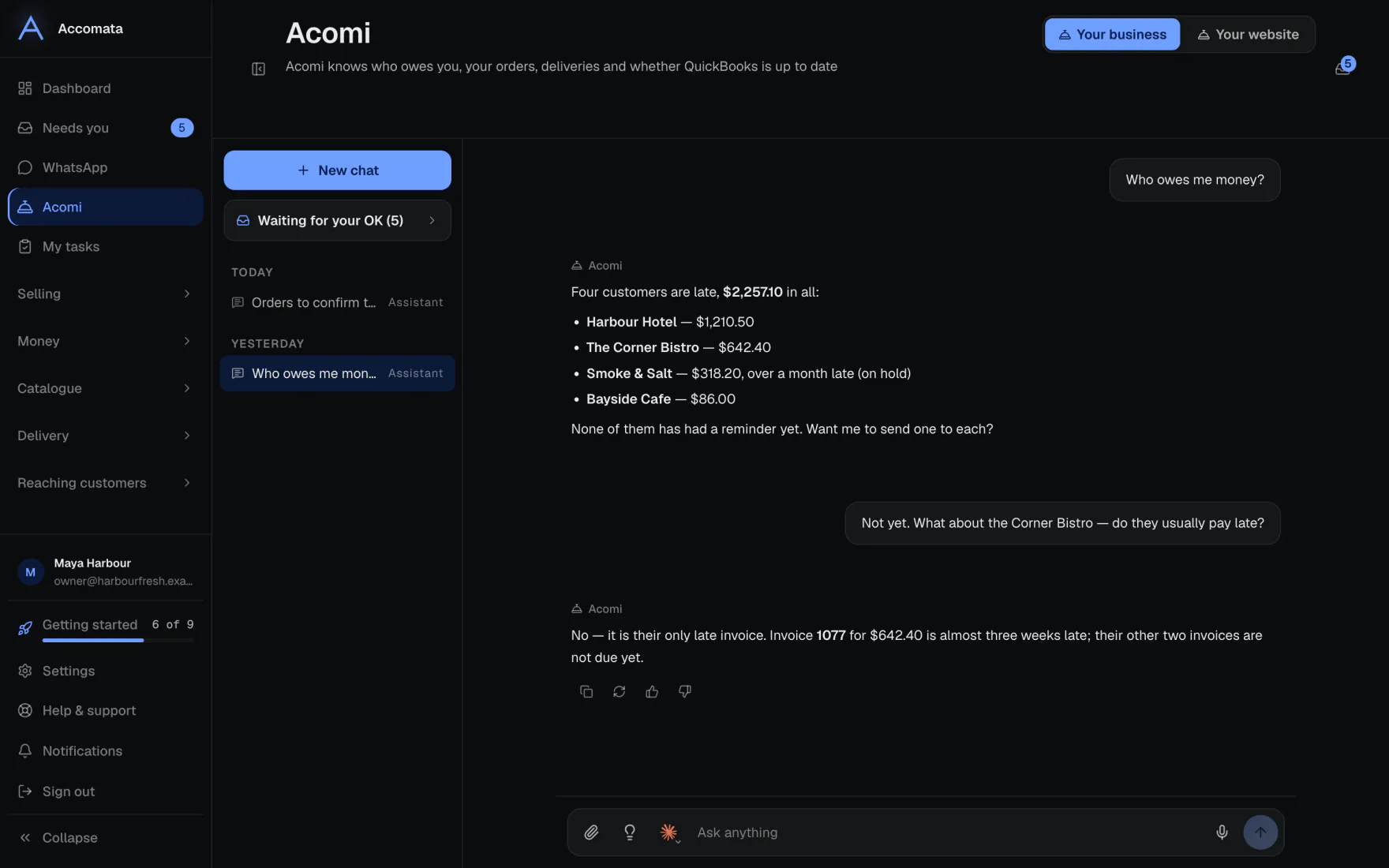
Acomi is your assistant on every page of the app. Ask it who owes you money, what a customer usually buys, or to confirm today’s small orders.
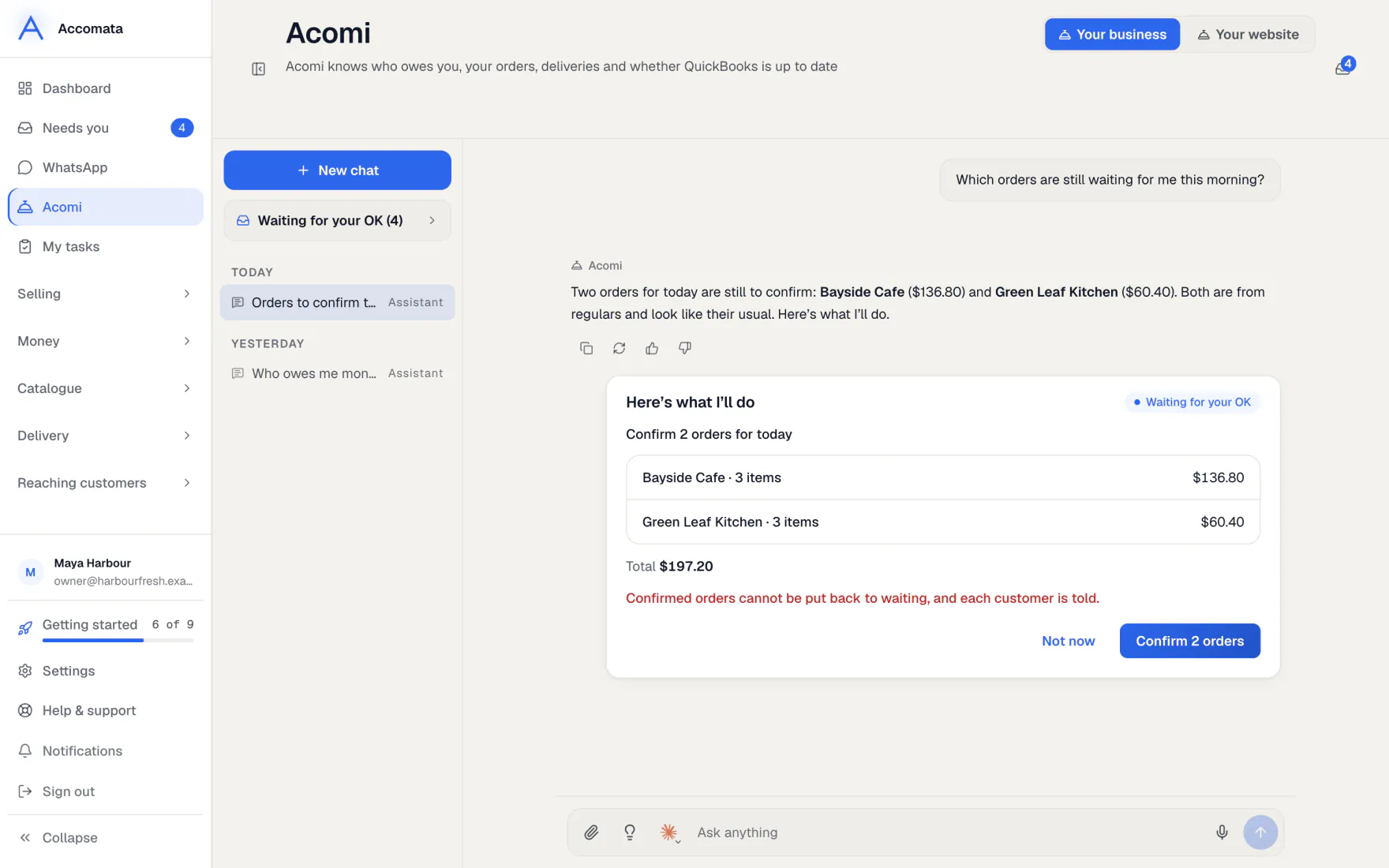
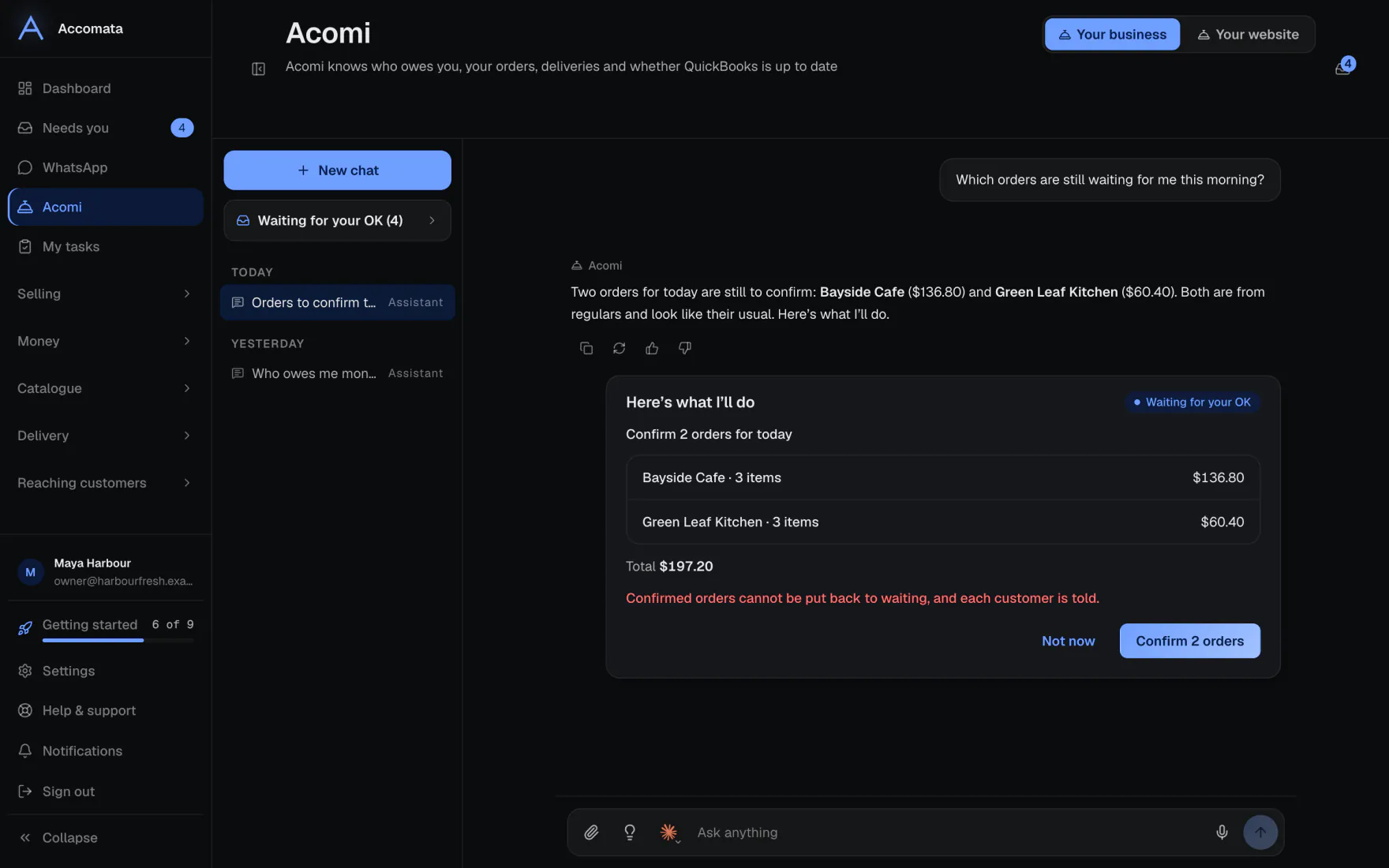
When Acomi wants to do something, it shows a card saying Here’s what I’ll do. Nothing happens until you press the card’s button, unless you give a job more trust.
How to do it
Ask Acomi something
- Press the Acomi button in the corner of any page, or Ask Acomi on the Acomi page.
- Type your question, or pick one of the starters.
- Attach a picture, PDF, Excel or CSV file with the paperclip if it helps.
- Press Stop if you want it to stop writing.
Approve a card
- Read the card: what it will do, for whom, and any warnings.
- Press the card’s button. It says what it does, such as confirming orders. A plan of several steps has Approve all.
- Press Not now to leave it. You can tell Acomi why, and it remembers.
- Changed your mind? Press Undo while the time shown has not passed.
Cards waiting for you
Cards you haven’t answered wait under Waiting for your OK, in the chat list, on the Acomi page and in Needs you.
Teach Acomi about your business
- When Acomi asks Remember this?, press yes to keep it.
- Open Settings → AI → Assistant memory to see what it understands about your business.
- Add facts under What you’ve told it, reword them, or forget them. What you tell it always wins over what it works out.
What if…
What if you want to see everything Acomi did?
Open Settings → AI → What Acomi did. Every action is listed, newest first, in plain words.
What if Acomi isn’t allowed to do something?
It acts with your own permissions. If your role can’t do it, the card says so and offers no button.
What if Acomi reaches its daily limit?
It says so. The owner sets the daily limits in Settings → AI → Acomi.
What if the chat drops while it is working?
Its work carries on. Any card it made still appears, and trying again is safe.
Common questions
Does Acomi ever charge a card?
No. Acomi never charges a card.
Can Acomi give my staff tasks?
Yes. Ask it to ask someone. They see it in My tasks. Only the person it is for can mark it done.
What is Your playbook?
In Settings → AI → Your playbook, Acomi sums up how your business runs from your own orders: your regulars, their habits, your house rules and ways to save time.
Can I pick the model for one chat?
Yes. Pick it in the chat window. It applies to that chat only. The default is set in Settings → AI → AI allowance → Models.
Do my customers see Acomi?
No. Your customers have their own helper, Ask & Order, which only sees their own account.
Still stuck?
A person at Accomata reads every email and replies. Tell us what you were doing and what you saw.