Invoices
What it does
When an order is delivered, its invoice is made in QuickBooks from the order’s estimate. You choose how long after delivery, or press Invoice now. An order is never invoiced twice.
Customers get your own branded invoice PDF, with your logo, colour and how to pay you.
How to do it
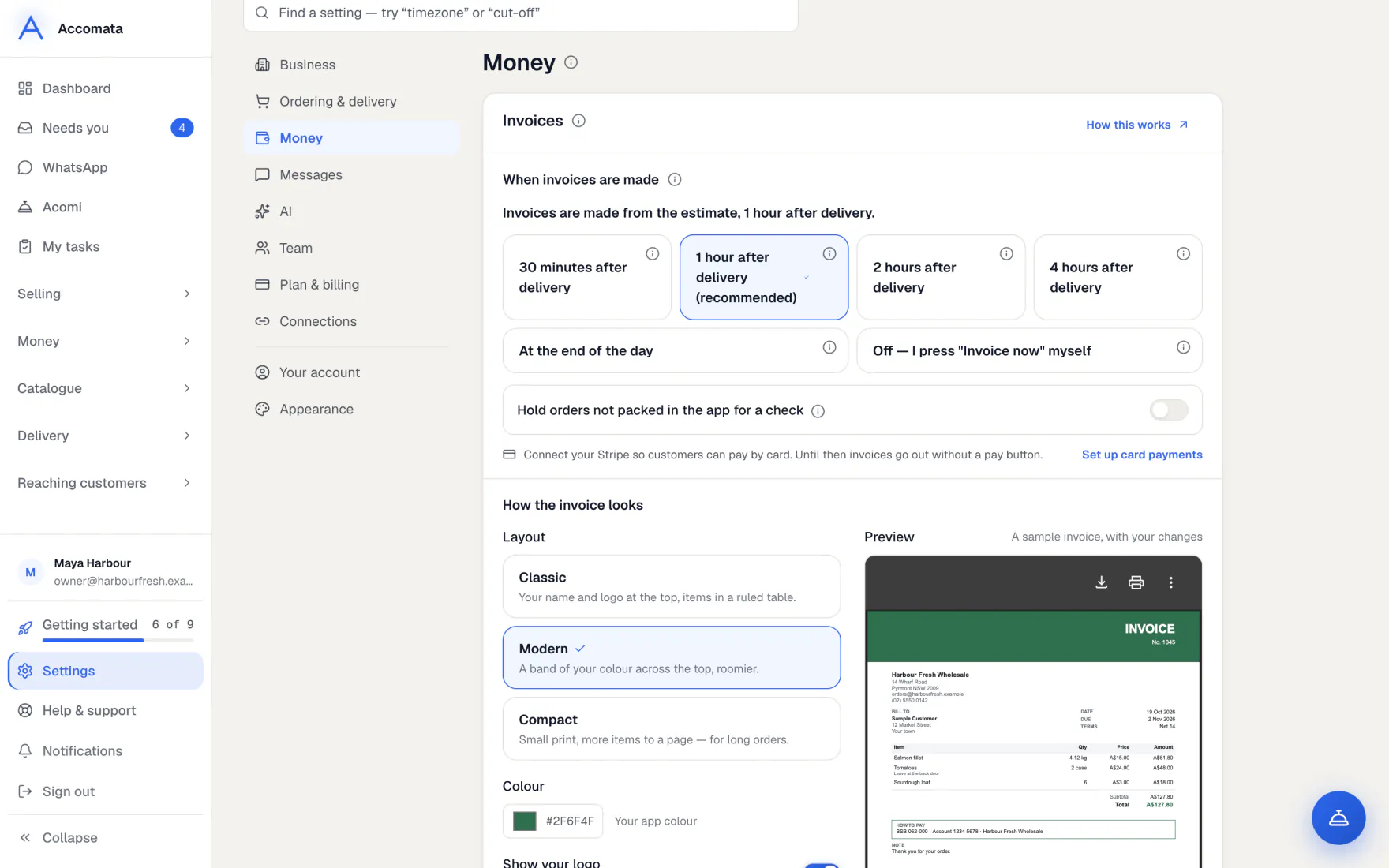
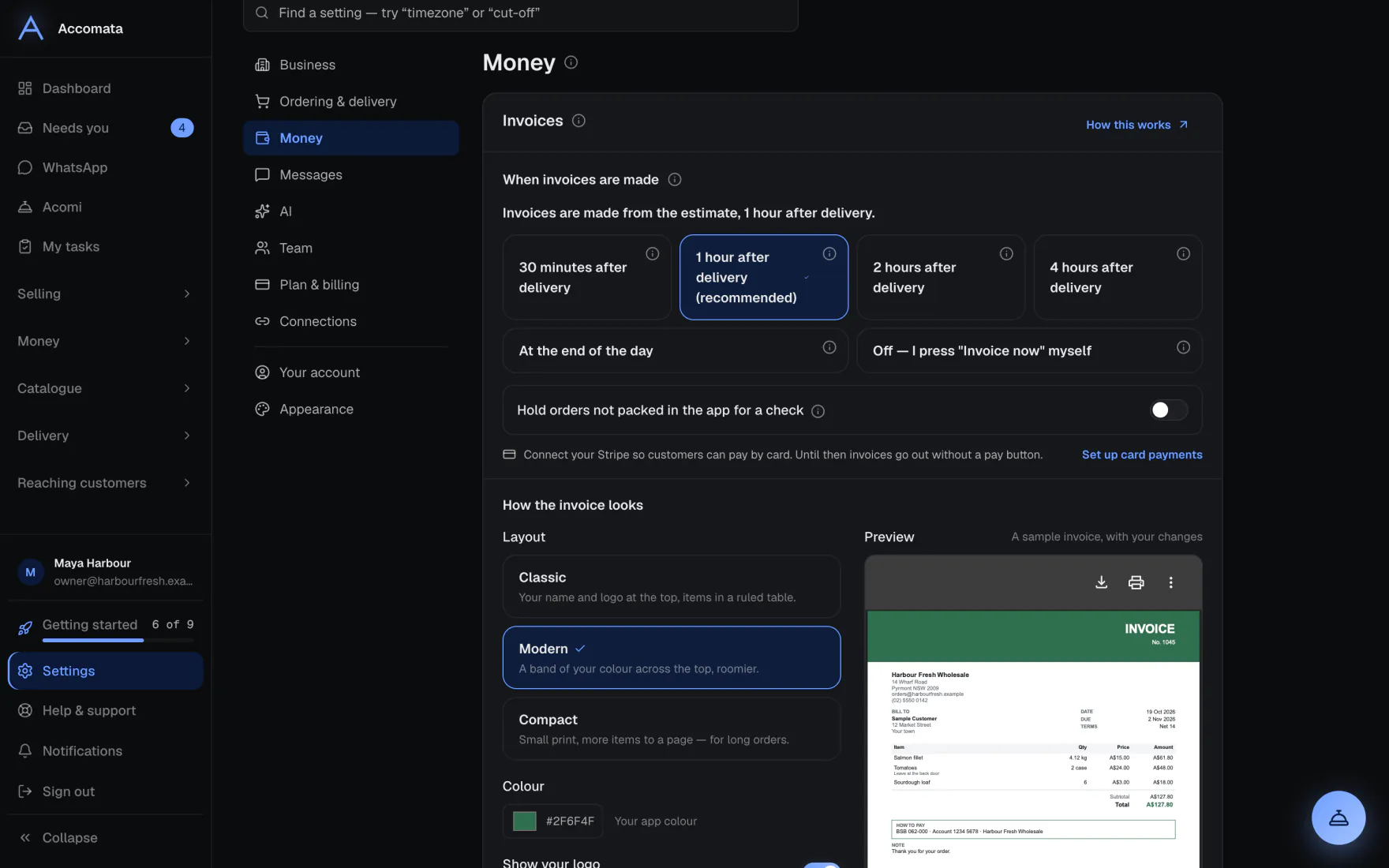
Choose when invoices are made
- Open Settings → Money → Invoices → When invoices are made.
- Pick how long after delivery. One hour is recommended, so late changes at the door are in.
- Save. Until you save a choice, invoices are only made when you press Invoice now.
Why wait an hour?
Drivers sometimes record a refused item or a weight change at the door. Waiting a little lets the invoice include it.
Invoice an order now
- Open the order. The invoice card shows where its invoice is.
- Press Invoice now. The invoice is made in QuickBooks and sent if customer emails are on.
- To keep one back, press Hold. Press Release when it can go.
Make the invoice look like yours
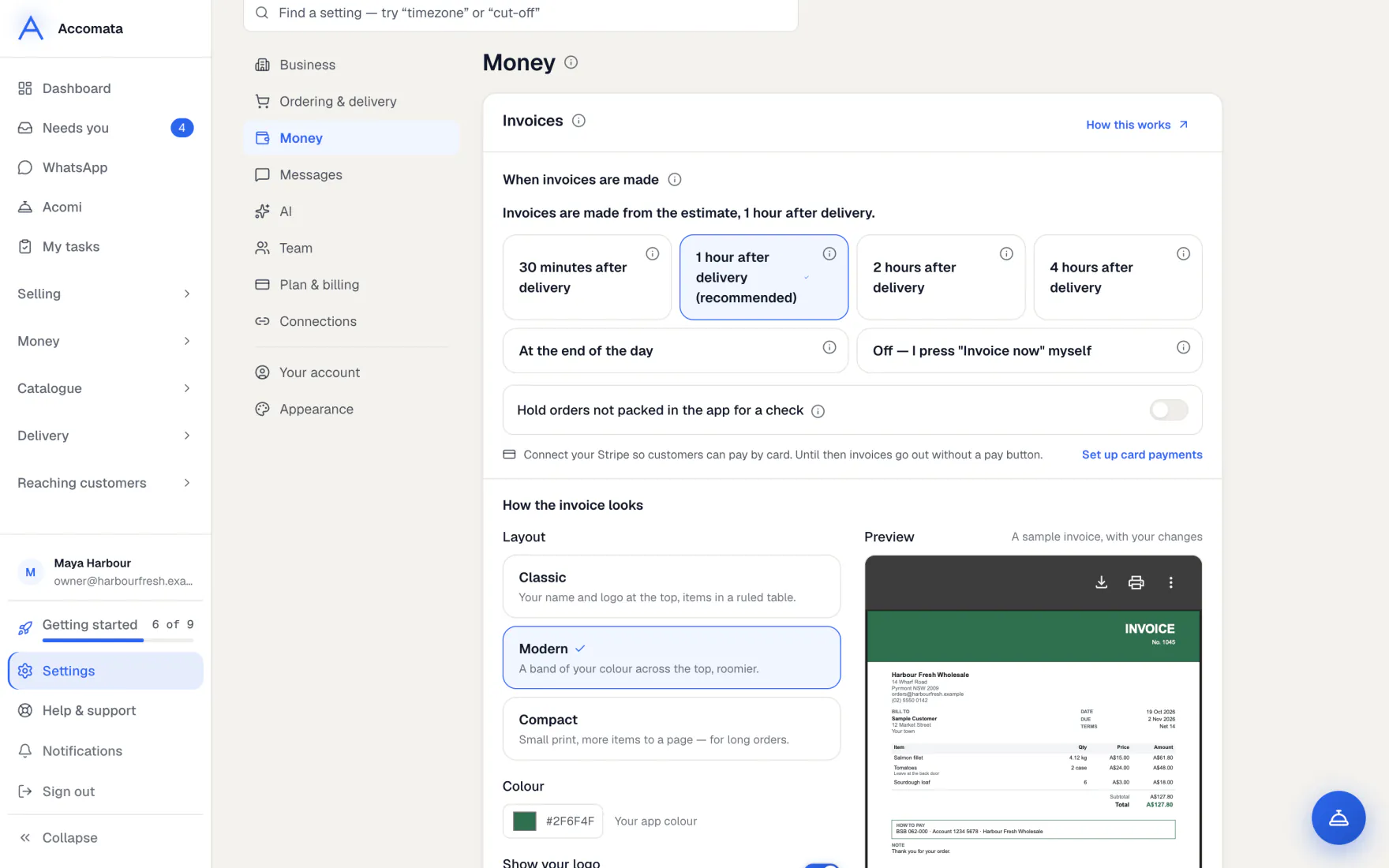
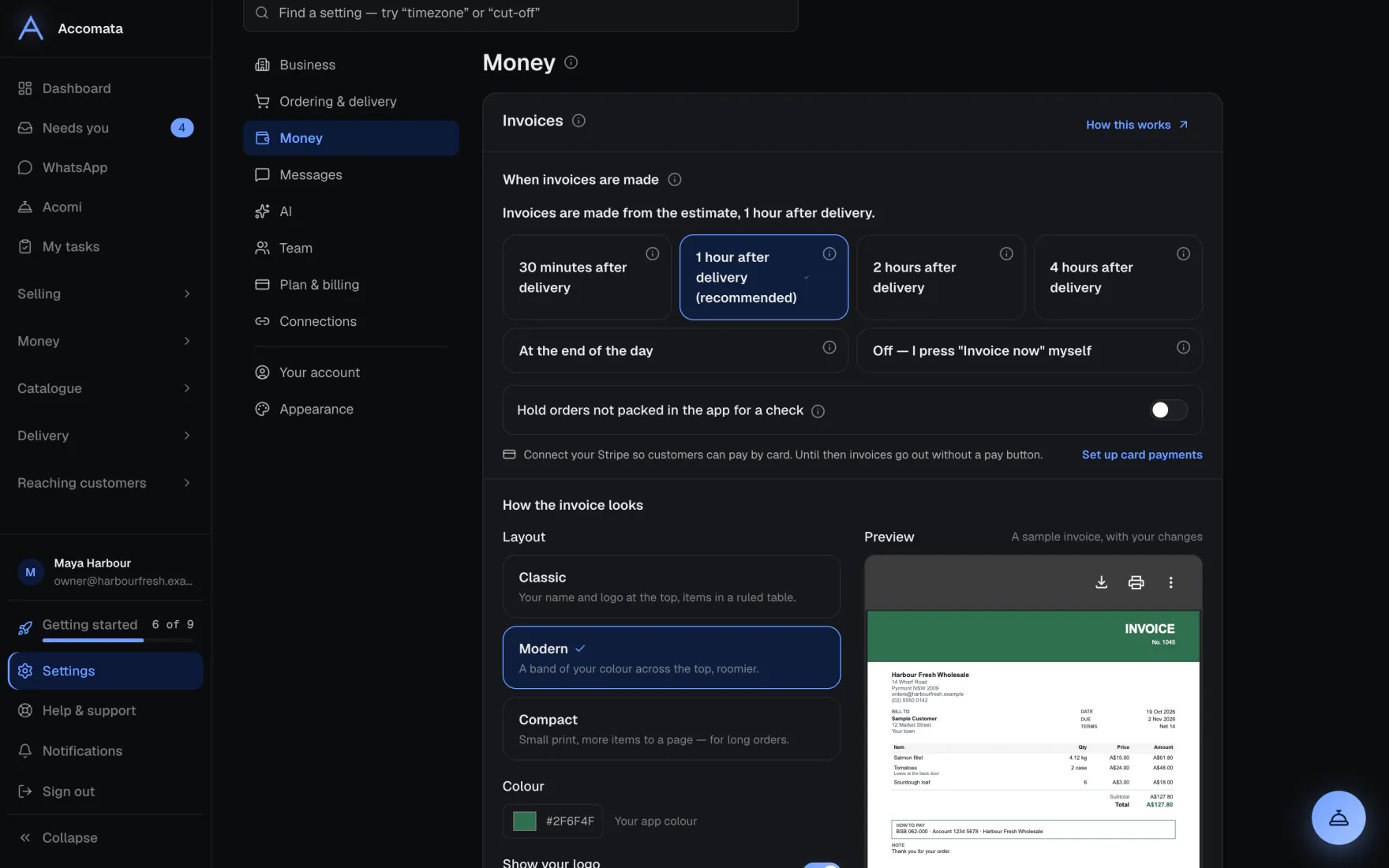
- Open Settings → Money → Invoices → How the invoice looks.
- Pick Classic, Modern or Compact, your colour, and whether to show your logo.
- Add How to pay you and a note at the bottom.
- Switch on Show what changed to print notes like “Ordered 4 kg · 1 case refused”.
- Check the Invoice preview, then save.
What if…
What if the order was not packed in the app?
It is invoiced from the QuickBooks estimate as it is, with a note saying so. To look these over first, switch on Hold orders not packed in the app for a check.
What if the invoice was already made in QuickBooks?
In Needs you, press Already done in QuickBooks so it stops waiting.
What if QuickBooks isn’t connected?
No invoices can be made until it is. The Invoices card says so, with the button to connect.
Common questions
Where do I see an invoice and its orders?
Open it from Getting paid or the order page. It shows the orders it came from, every change made to it, and what differs between the order and the invoice.
Can I issue a credit note here?
Credit notes come from QuickBooks. Credit notes lists them, and customers see theirs in their portal.
Do customers get the PDF by email?
Yes, once customer emails are on in Settings → Messages → Email your customers. They can also download it in their portal.
Still stuck?
A person at Accomata reads every email and replies. Tell us what you were doing and what you saw.