Build your website
What it does
Your website shows your range and lets new customers open an account. Press New designs and three whole designs are made for you, each with its own look, words and layout.
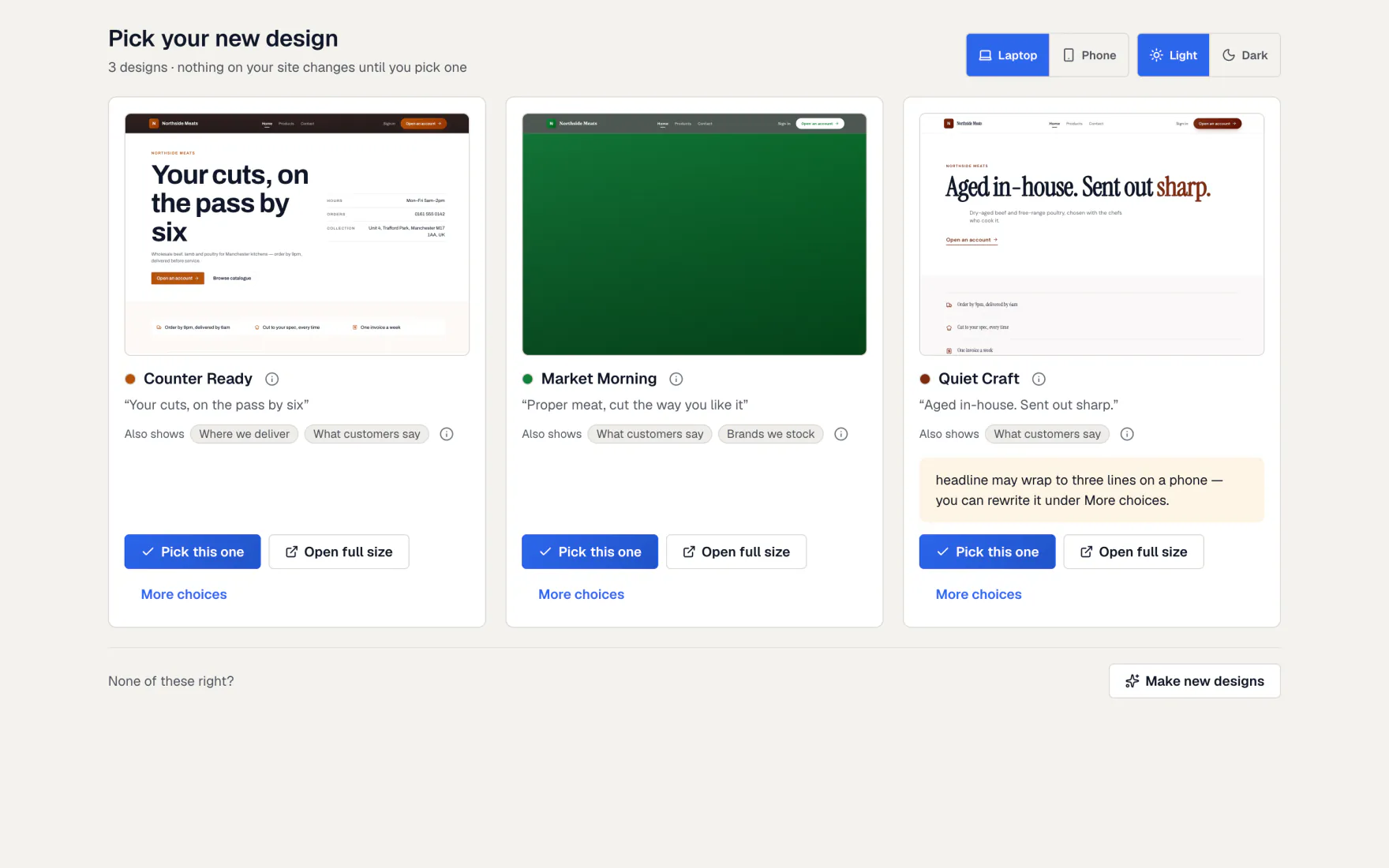
You compare them on a laptop and a phone, in light and dark, and pick one. Your site stays exactly as it is until you pick.
How to do it
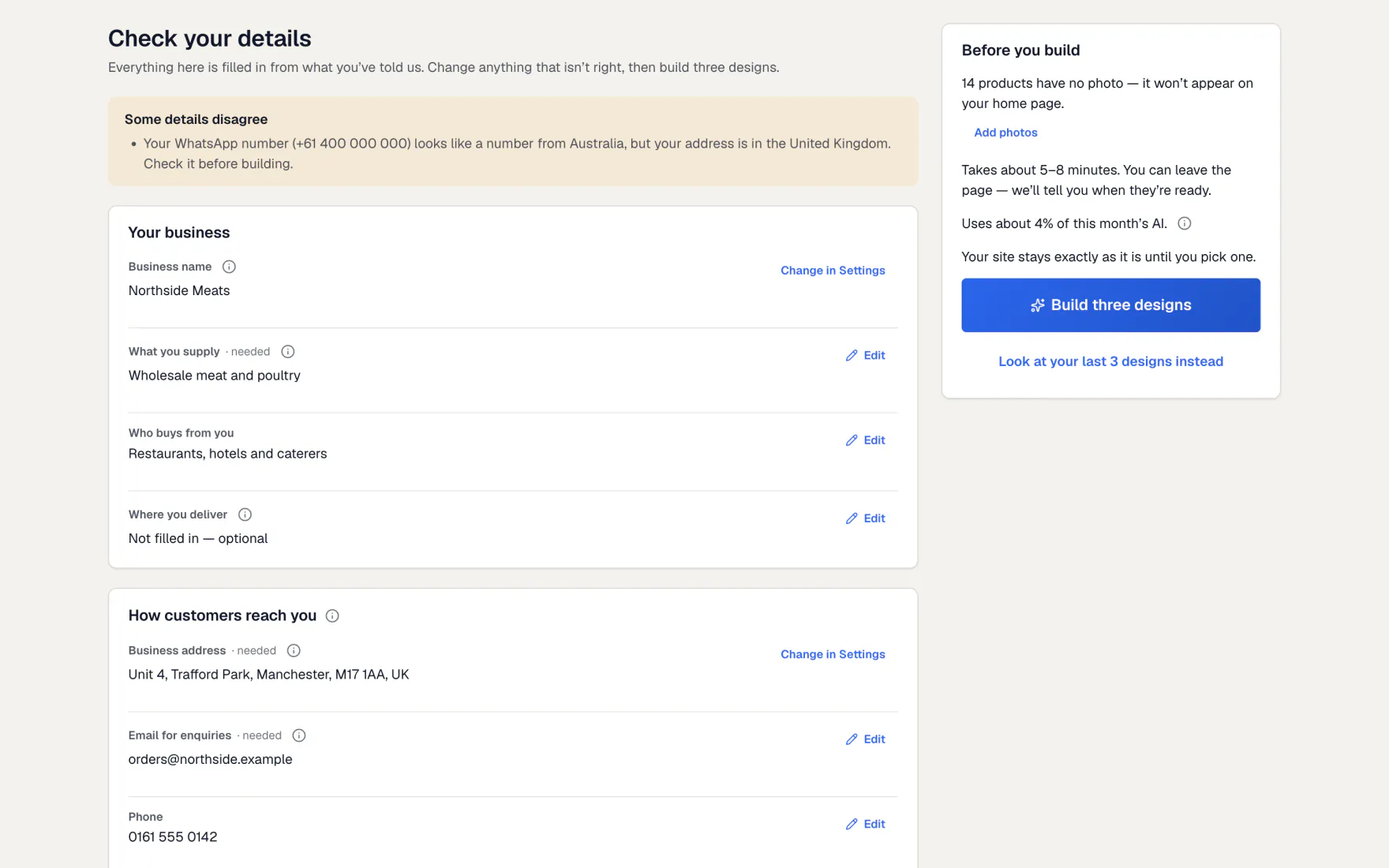
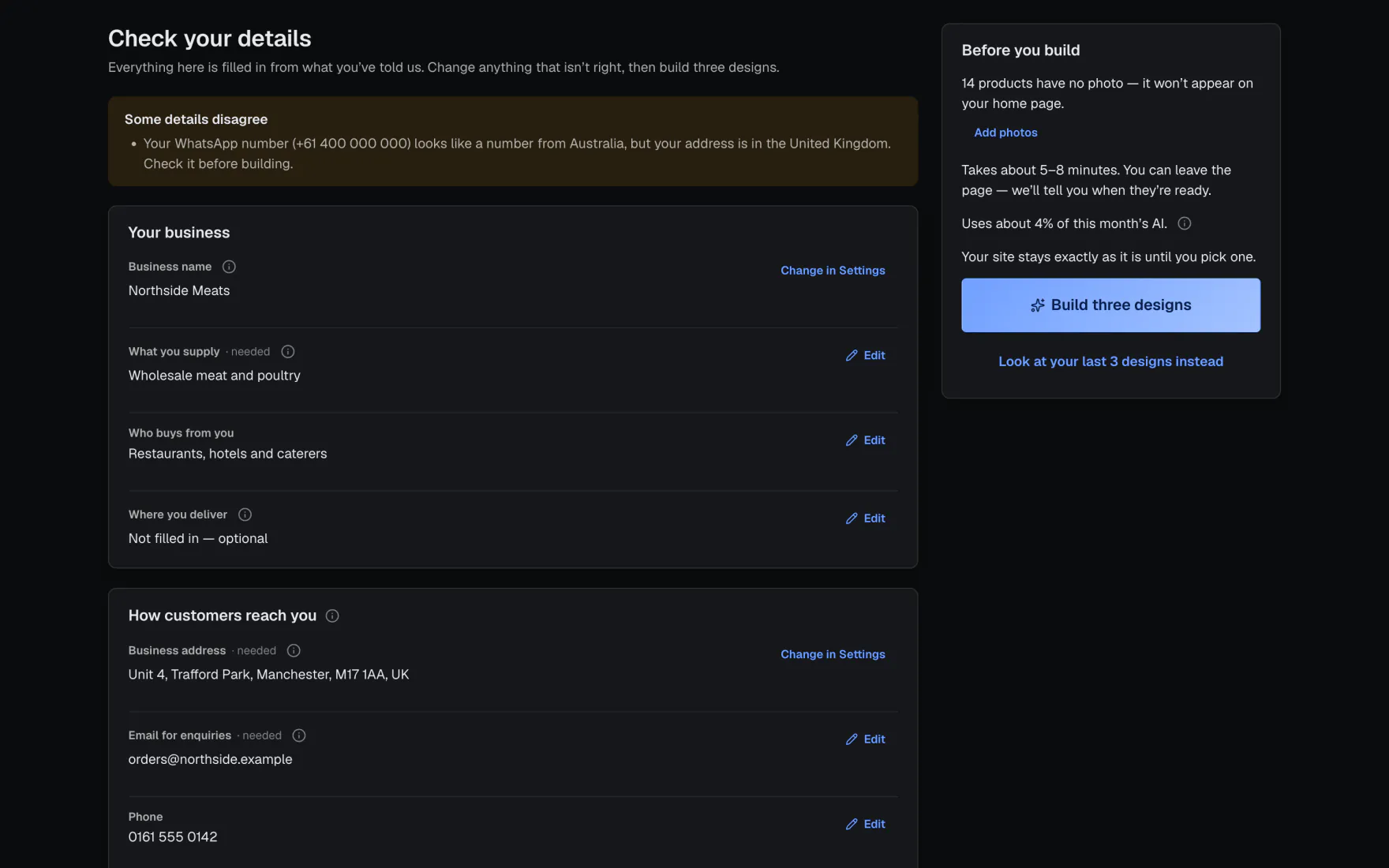
Check your details
- Open Website and press New designs.
- Go through Check your details. Press Edit on any row to fix it in place.
- Your business name and address come from Settings → Business. Press Change in Settings to change them.
- Choose the tone of voice, colour, style, light or dark, and how much moves.
- Add anything else under Anything else?, a site you like, or a picture for ideas.
- Press Build three designs.
Before you build
The page says how long it takes, usually five to eight minutes, and how much of this month’s AI it uses. Products without a photo are listed, with a link to add them.
Wait, or leave and come back
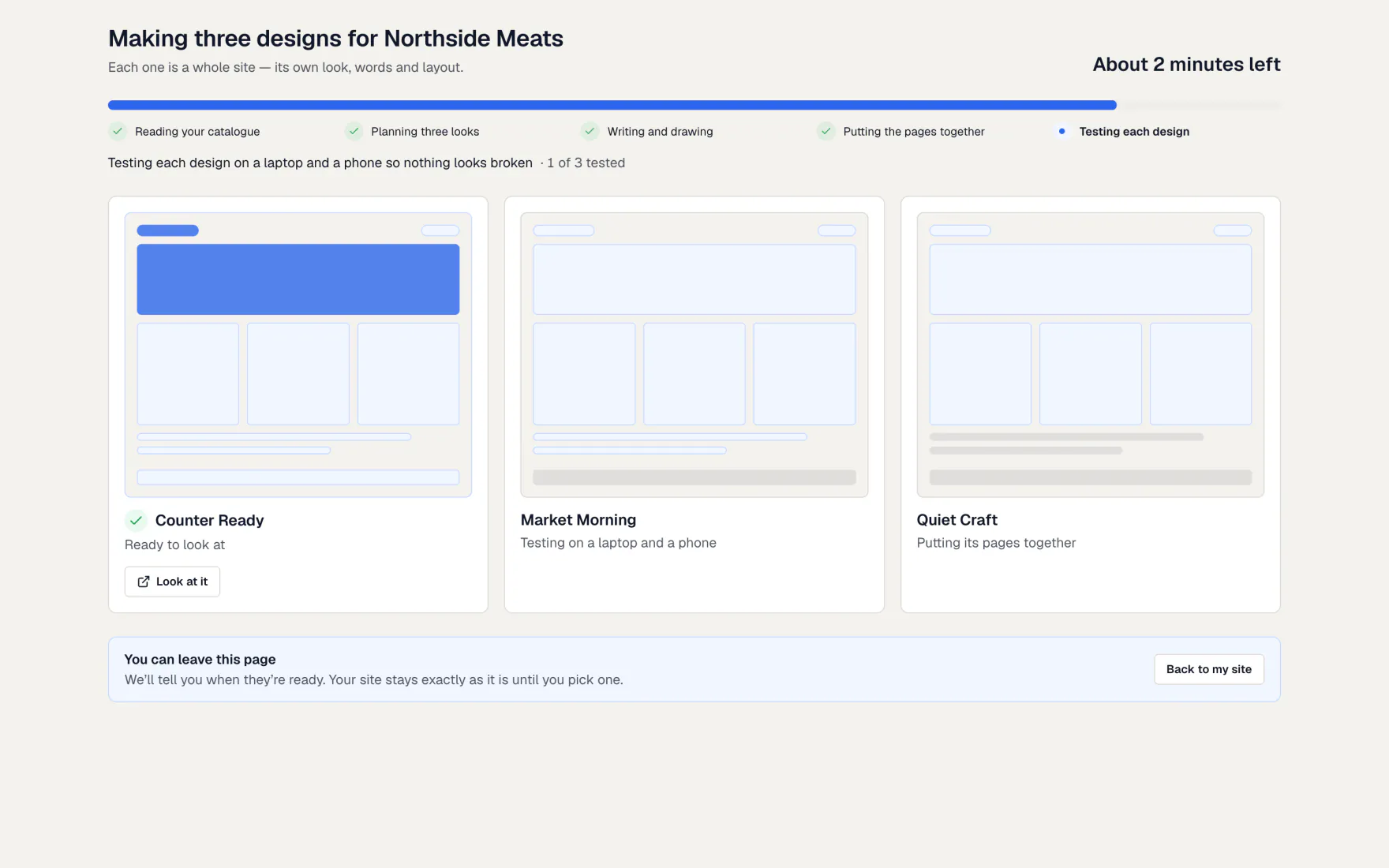
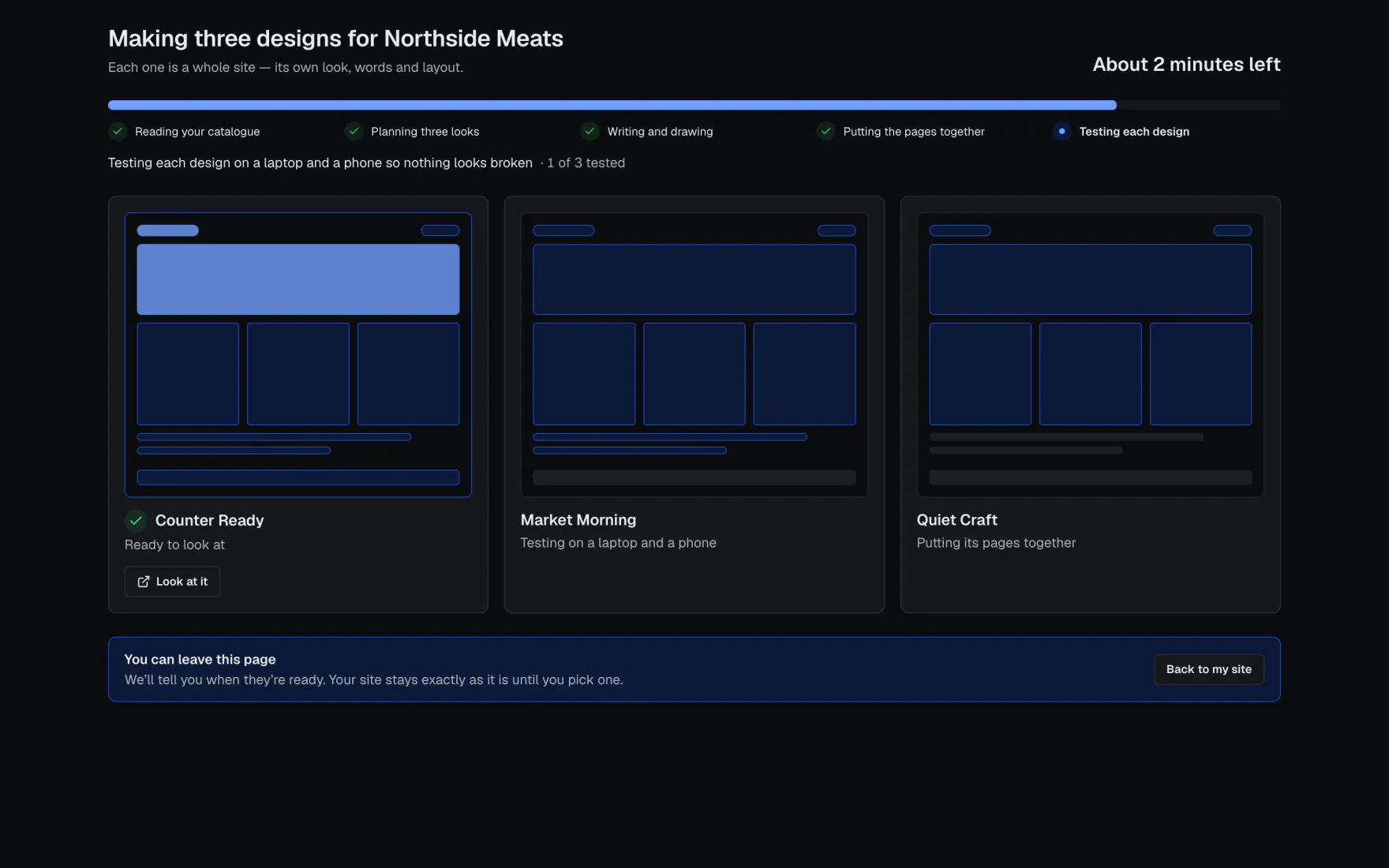
- The waiting screen shows each design taking shape and the time left.
- You can leave the page. The designs keep being made.
- You get a notice when they are ready. The New designs button says Designs ready.
- Press Look at it on a finished design to open it in a new tab.
Compare and pick
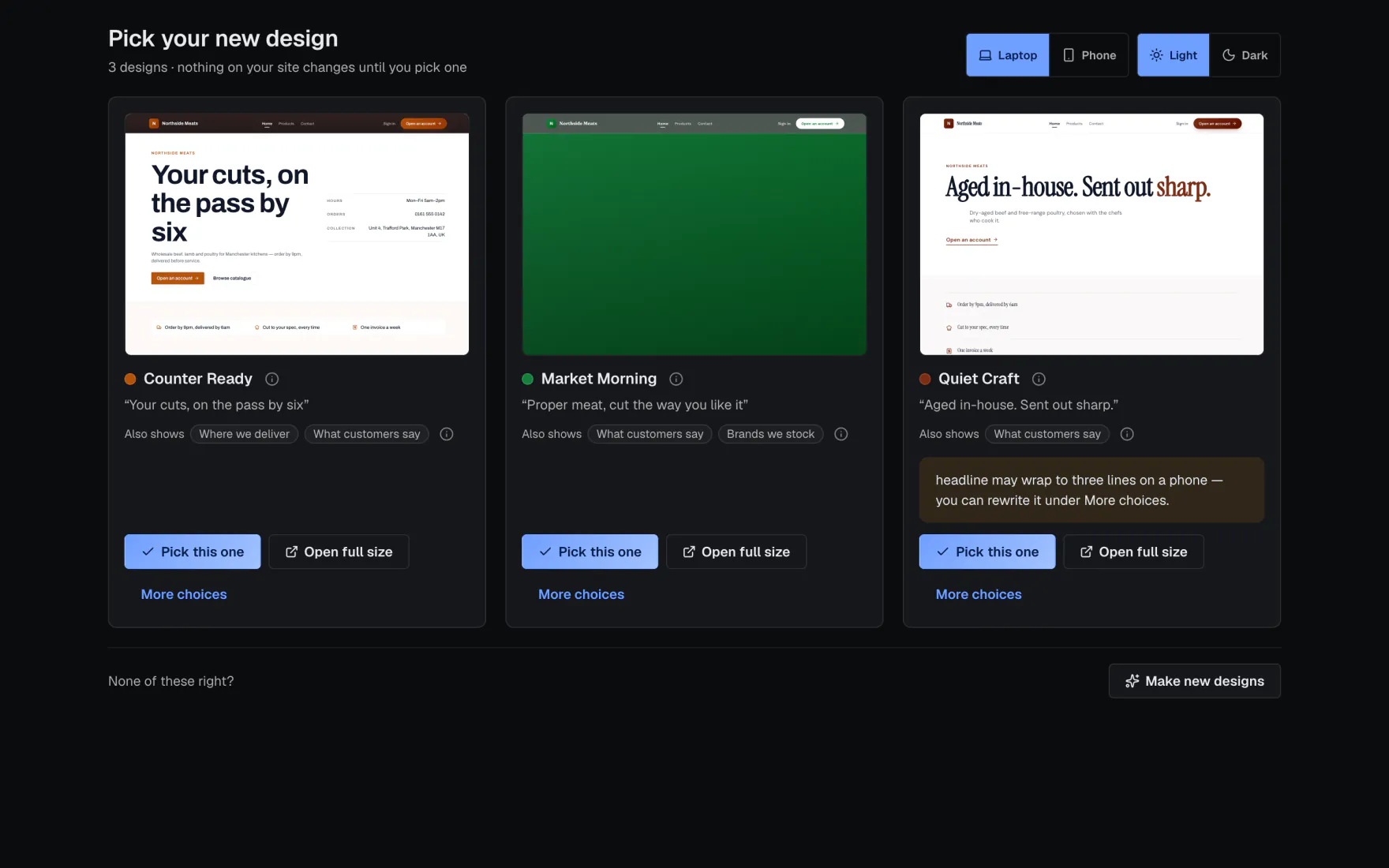
- On Pick your new design, switch between Laptop and Phone, and between light and dark.
- Press Use this design on the one you like. The app says what will change and asks you to be sure.
- Changed your mind? Press Undo in the message that follows to get your old site back.
More choices
Under More choices, rewrite the headline, or build on one design and take sections from the others.
What if…
What if building is switched off or your AI is used up?
The screen says why, with one button that fixes it. See When something is blocked.
What if one design doesn’t work out?
It says so, and the other two carry on.
What if a build is already going?
The app opens the waiting screen instead of starting a second build.
Common questions
Does making designs change my live site?
No. Nothing changes until you press Use this design.
Will product cards show without photos?
No. A product or category card with no picture is left off your home page. It still shows in your catalogue. The editor tells you which were left off.
Can I edit the design after I pick it?
Yes. Everything can be changed in the website editor. See The website editor.
Still stuck?
A person at Accomata reads every email and replies. Tell us what you were doing and what you saw.