Orders from email
What it does
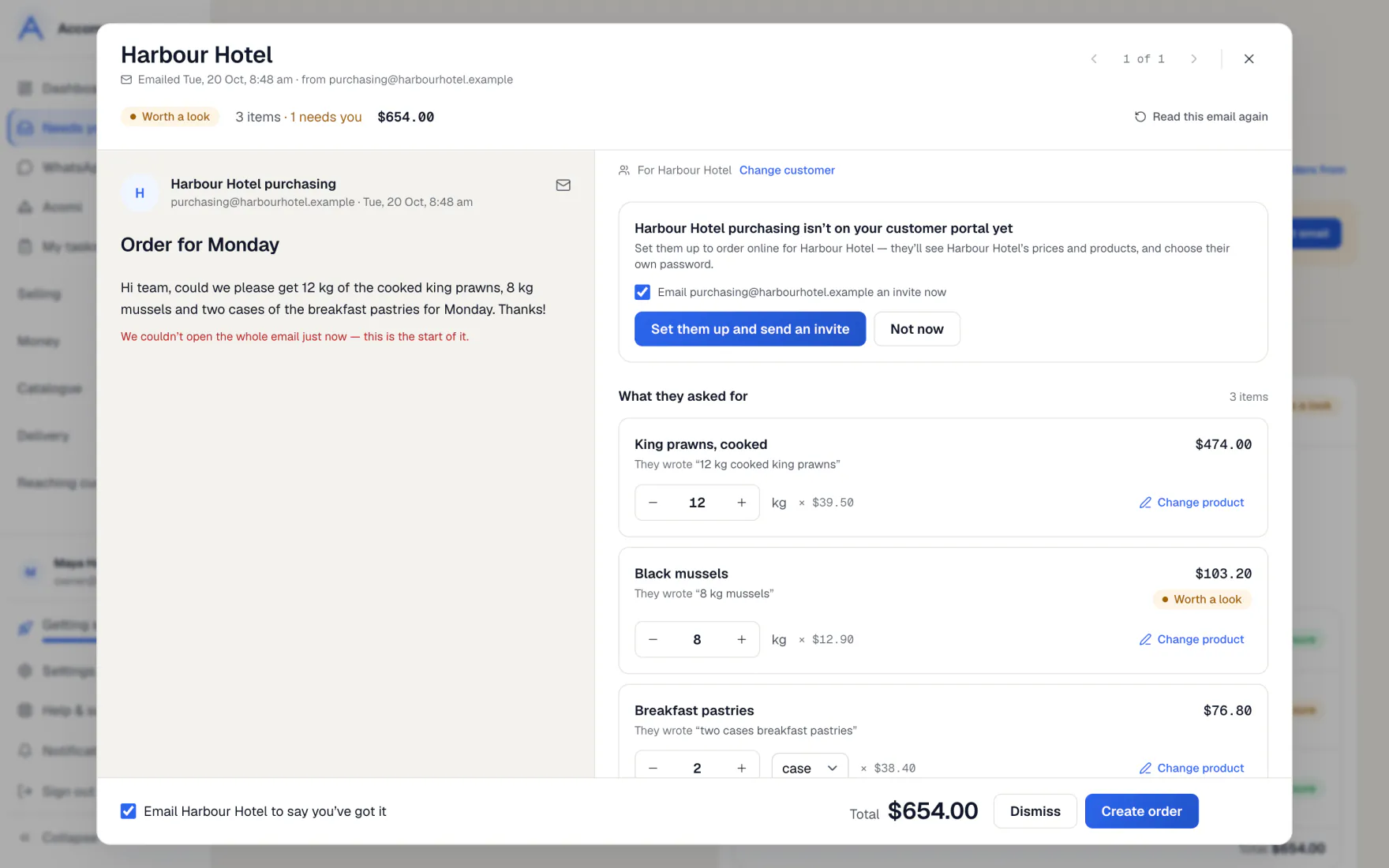
Connect the mailbox your customers send orders to. When a customer you know emails an order, it is read for you and waits in Needs you, with their products, their prices and a delivery day.
Orders typed in the email, attached as a PDF, scanned, or sent as a photo are all read. Nothing becomes an order until you press Create order, unless you turn on Autopilot.
How to do it
Connect your mailbox
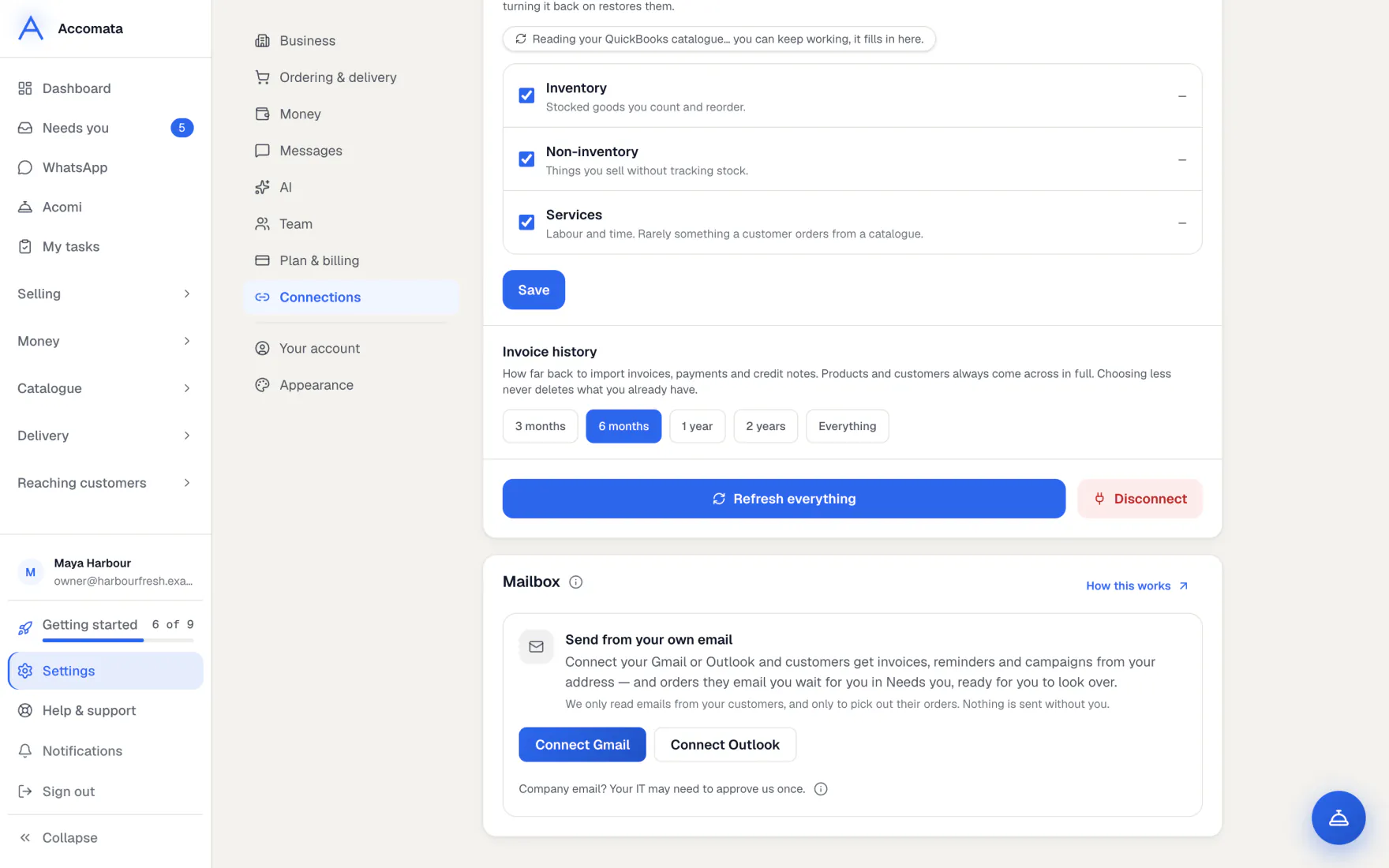
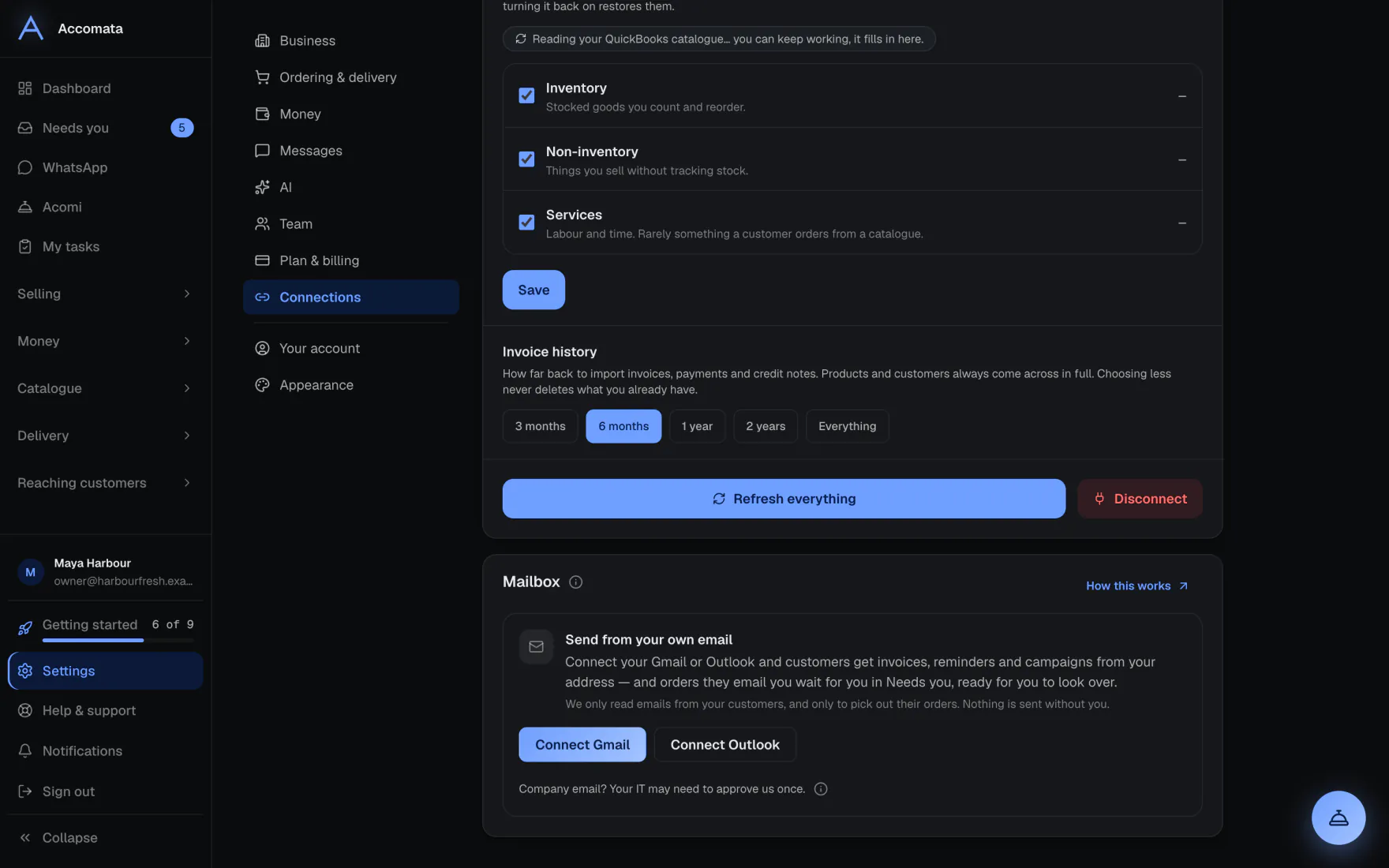
- Open Settings → Connections → Mailbox.
- Press Connect Gmail or Connect Outlook and sign in.
- Come back to the app. The card says your mailbox is connected.
Company Outlook accounts
Some companies make IT approve new apps first. If yours does, the card says so and gives you a note to send them. We send nothing ourselves.
Look over an order from email
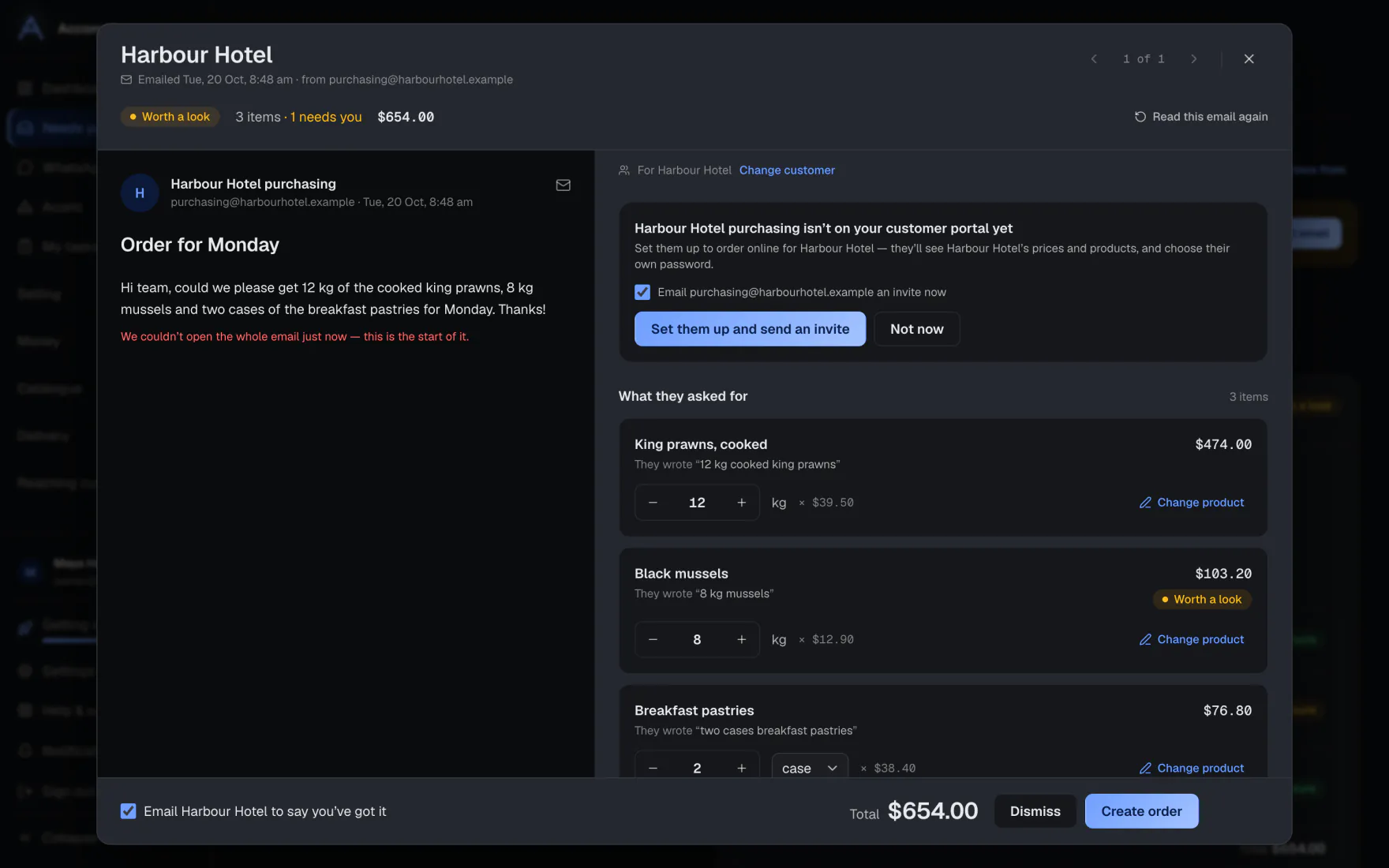
- Open Needs you and press the order. The email is on the left and the order on the right.
- Each item shows what they wrote and the product we picked. Items we are unsure of are marked.
- Press Change product to pick another. An item with no product shows Pick the product.
- Check the delivery day, then press Create order.
- Use the arrows, or the ← and → keys, to go to the next one.
It learns your fixes
When you change a product, tick Use this next time. Next time that customer writes those words, we pick the same product. See them on the customer’s page under Words we’ve learned.
Choose whose emails are read
- Open Who we read orders from.
- Add a customer’s extra addresses on their page, under Contacts → Accept orders from.
- When someone new emails you, they are suggested here. Nothing they send is read until you add them.
What if…
What if the order is a photo or a scanned PDF?
It is read like a typed one. Because pictures are easy to misread, it always waits for you and is never made by itself.
What if the email has a logo or a picture in the signature?
Signature pictures and tiny images are ignored. They are never read as an order.
What if the file can’t be read?
Word, Excel and CSV files, very large files or more than three files are not read. The order says so in plain words, so you can type the rest.
What if it isn’t an order at all?
Press Not an order. It moves to Handled.
Common questions
How sure is “sure”?
Each order is marked Ready, Needs a look or Not sure. It comes from our own checks on how each product was found, never from the AI judging itself.
Can I read the whole email?
Yes. Press Read the whole email in the review window or on the order page.
Do customers’ emails come from my address?
Once your mailbox is connected, invoices, reminders and campaigns go from your own address. Until then they go from ours with your business name on them.
What if the card says sending from my own email is coming soon?
It isn’t open on your account yet. Customer emails still go out, from our address with your name on them.
Still stuck?
A person at Accomata reads every email and replies. Tell us what you were doing and what you saw.