Customers and their logins
What it does
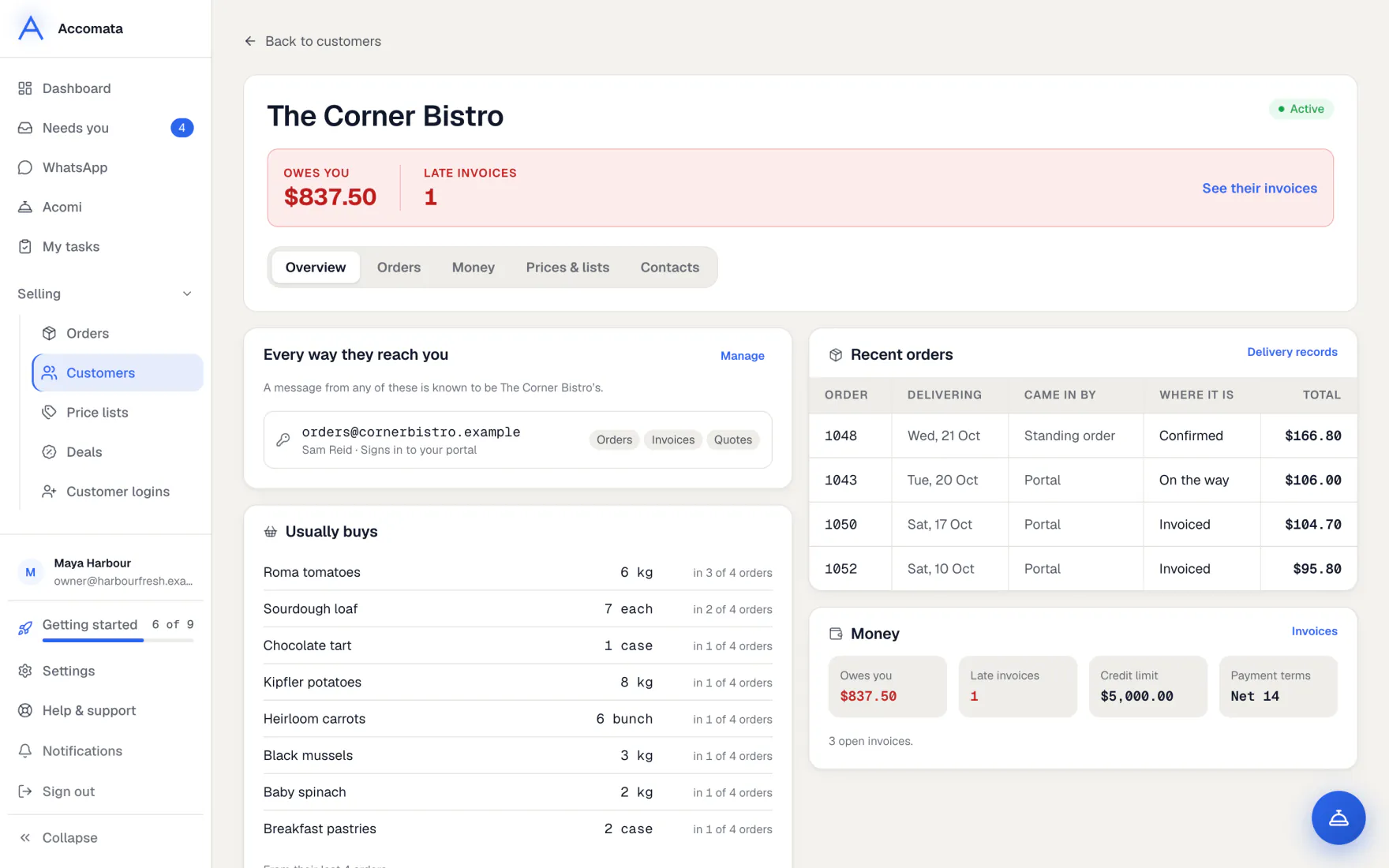
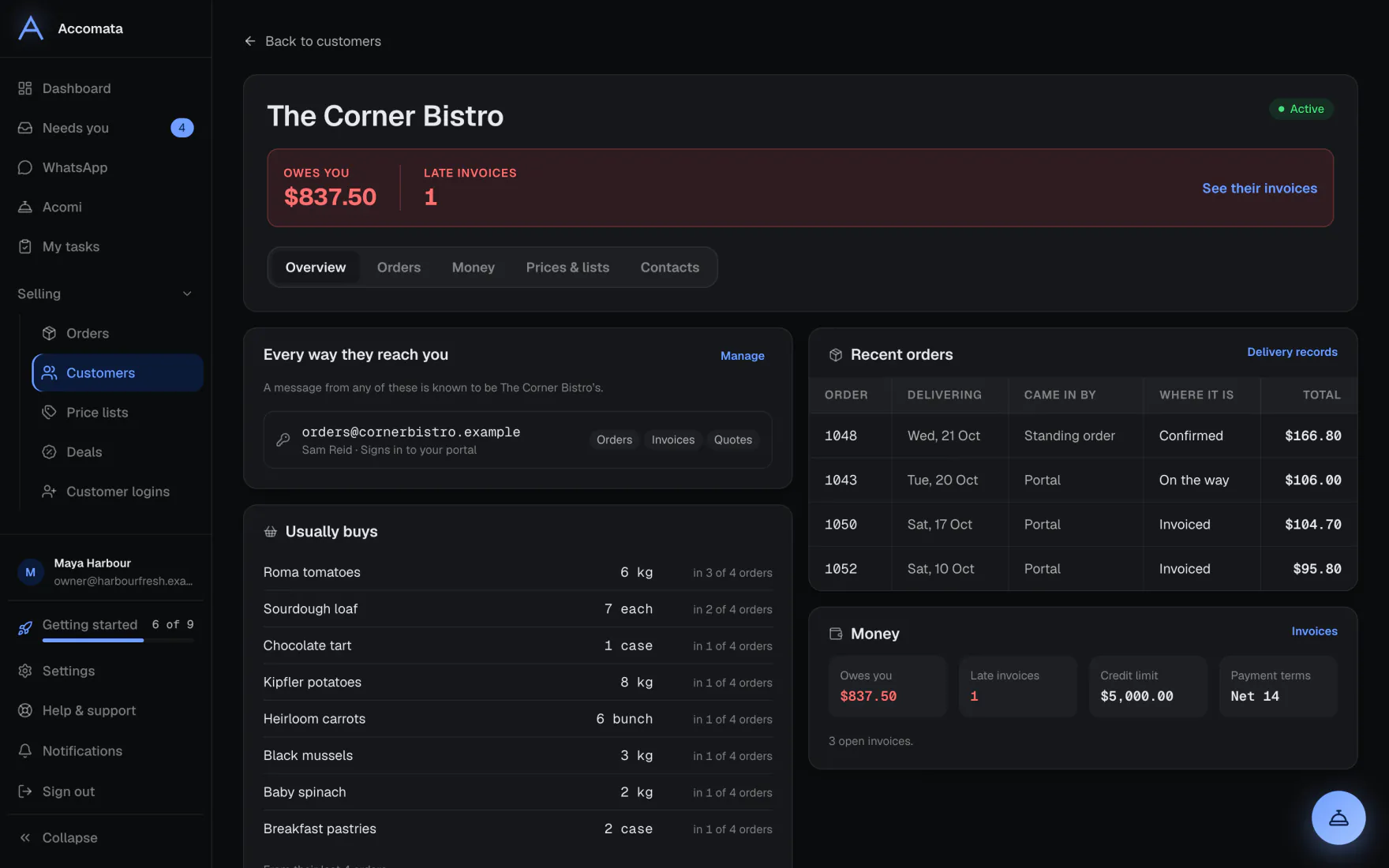
Your customers come from QuickBooks. Each has a page with tabs for Overview, Orders, Money, Prices & lists and Contacts.
To let a customer order online, invite the people who order for them. Each person gets one email, chooses their own password and can order straight away. We never make up a password for them.
How to do it
Invite someone to order
- Open the customer’s page, go to Contacts, and press Invite someone. You can also start from Customer logins.
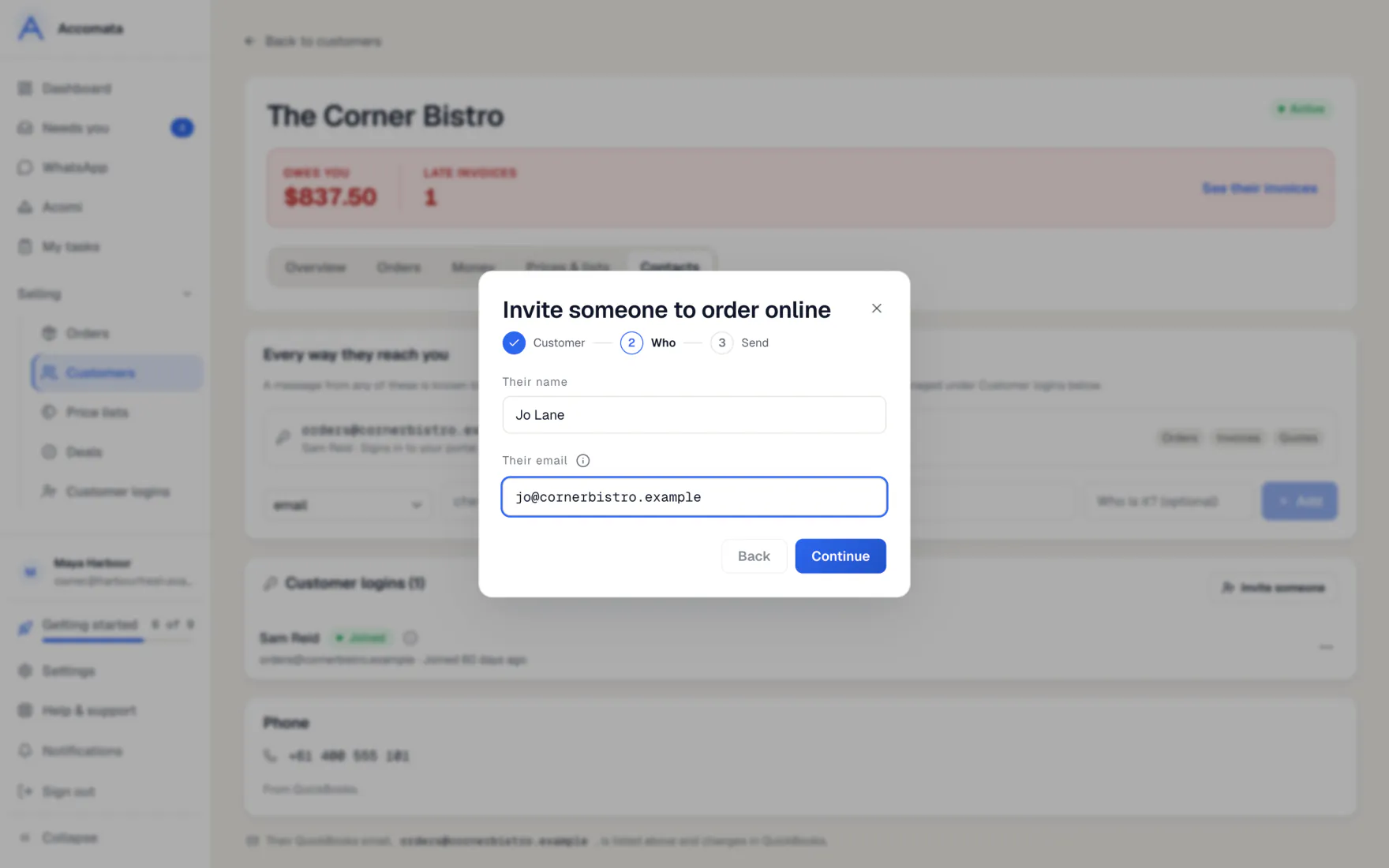
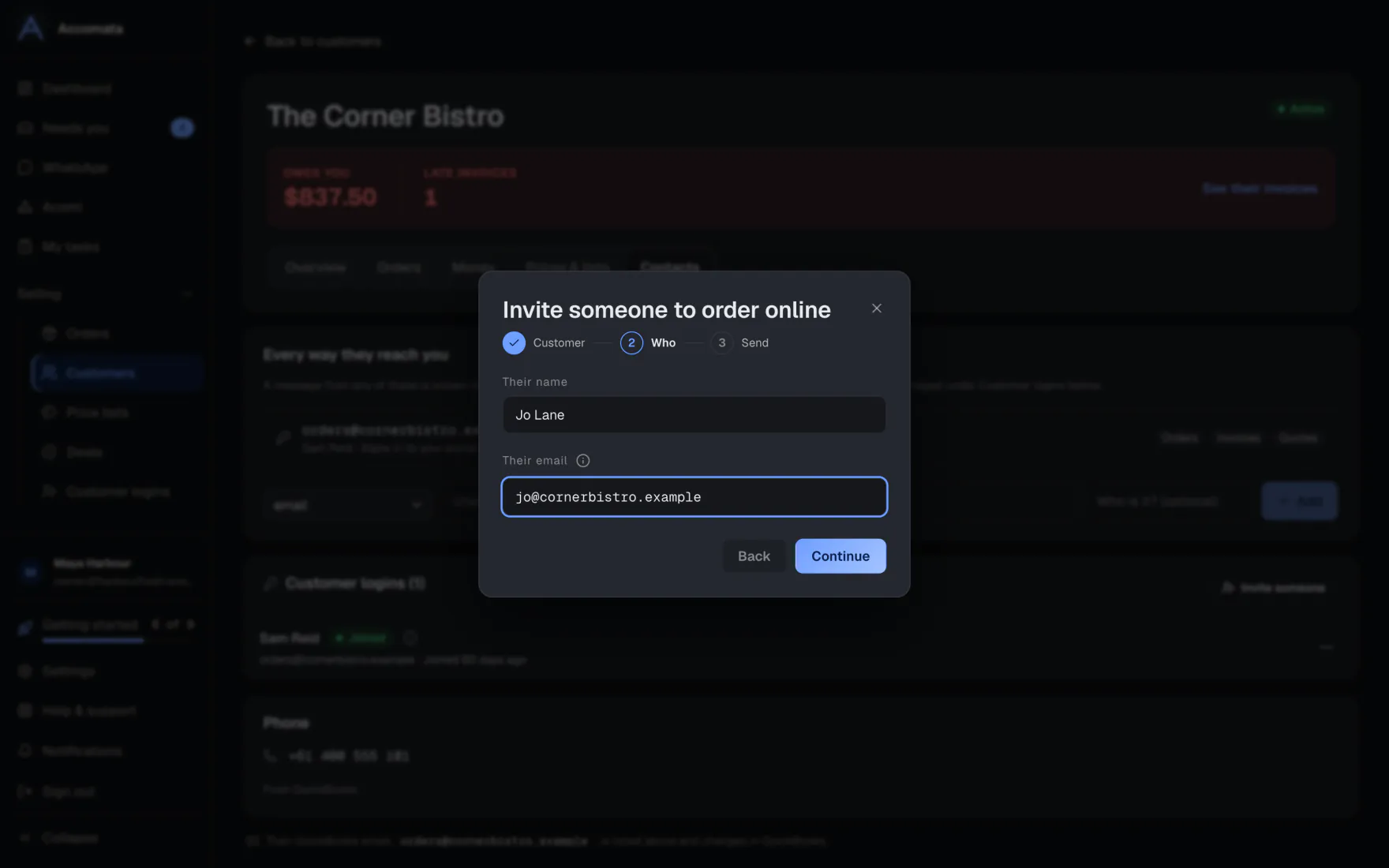
- Check the customer. Then type the person’s name and email, and choose head office or one of their places.
- Press Continue, then Send invite. One email goes to them.
- If you can’t email them, press Copy invite link and send it your own way.
Where the invite stands
Each login shows one state: Not invited yet, Invited, Invite expired, Email bounced, Needs your OK, Joined or Switched off. The button beside it does the next thing, such as Resend or Approve.
Let in people who signed up themselves
- Open Customer logins and pick Needs your OK in the status menu.
- Press Approve, or Pick their customer if they aren’t linked yet.
- They can order as soon as you say yes.
Use the customer’s page
- Overview shows every way they reach you, what they usually buy, standing orders and recent orders.
- Orders shows their latest orders, delivery address and the hold card.
- Money shows what they owe and their invoices, for people who can see money.
- Prices & lists shows their price list and the product lists they are on.
- Contacts holds their emails, phone numbers, WhatsApp numbers and logins.
What if…
What if the customer has a head office and branches?
A login for head office sees “All your places”. A login for one place sees that place. Invite each person to the right one.
What if the customer is inactive in QuickBooks?
They can’t have a login. The invite says so and stops at the first step.
What if customer emails are switched off?
The invite can’t be emailed. Copy the link instead, or switch emails on in Settings → Messages → Email your customers.
What if a customer is in credit?
Their page shows they are in credit, with the amount, never as a negative balance.
Common questions
How do I add a new customer?
Press New customer on the Customers page. Choose QuickBooks and your customer portal, QuickBooks only or Customer portal only.
Can I switch a login off without deleting it?
Yes. Open the login’s ⋯ menu and choose Switch login off. Turn it back on the same way.
What does “By customer account” mean?
It groups a head office with its places, so you see the whole account in one row. Open the row to see each place.
Where do customers sign in?
On your customer portal link, in Settings → Business → Customer portal link. It is also on your website.
Still stuck?
A person at Accomata reads every email and replies. Tell us what you were doing and what you saw.