Getting paid
What it does
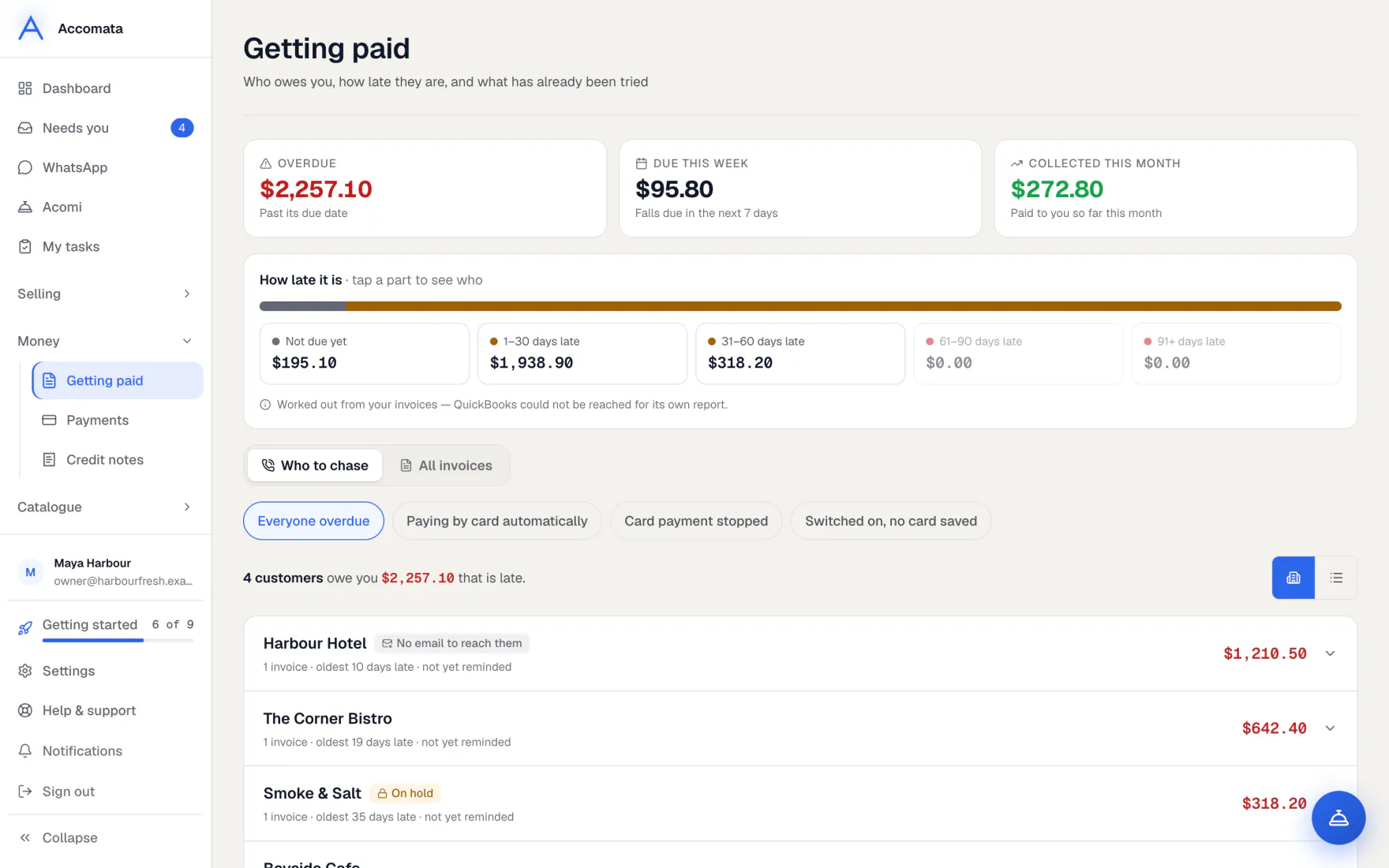
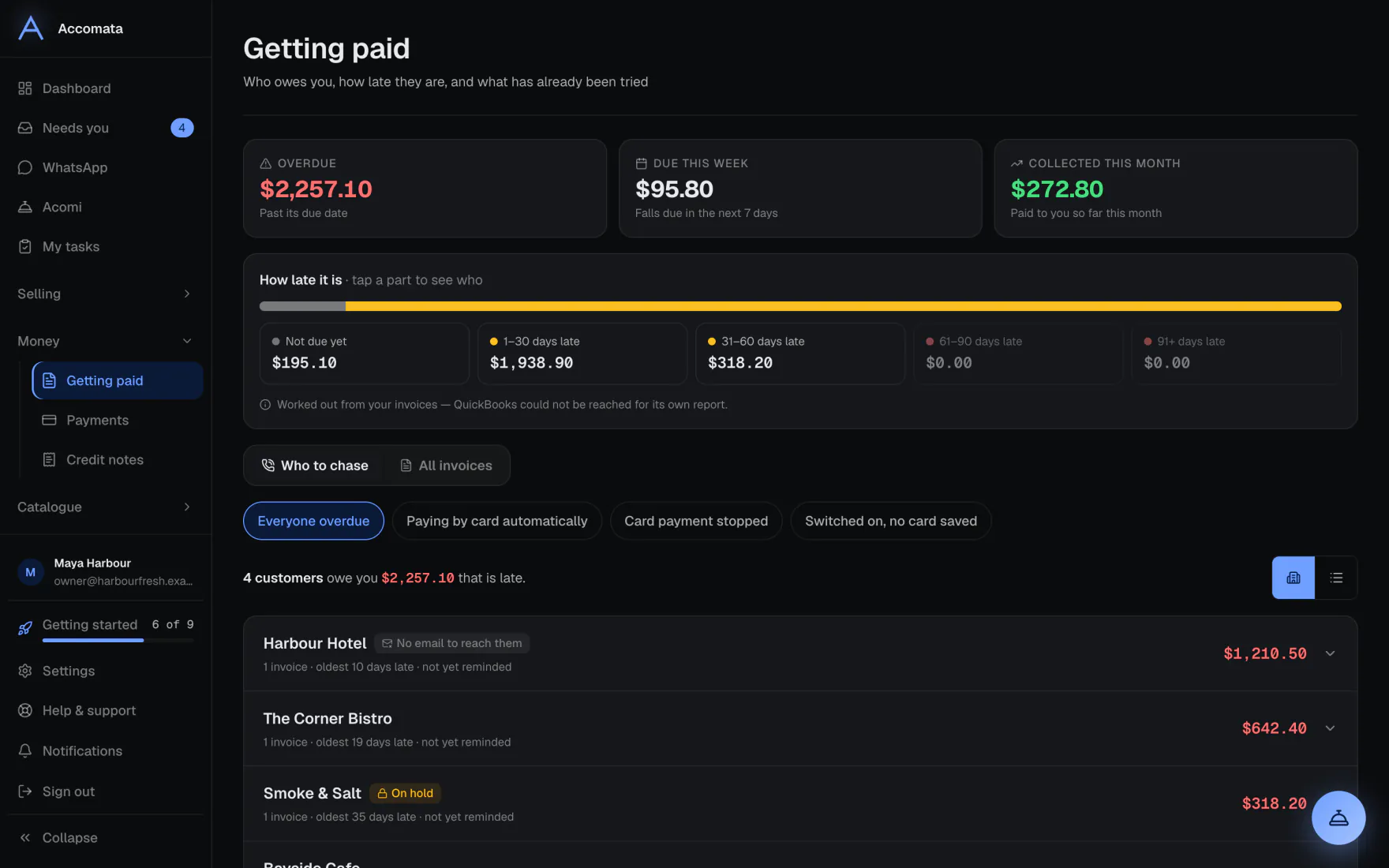
Getting paid shows what you are owed and how late it is. Who to chase puts the accounts that need you first. All invoices lists every invoice.
Reminders go out by themselves on the days you choose. Customers who saved a card or bank account can pay automatically.
How to do it
Chase what is overdue
- Open Getting paid. Press a part of the how late bar to see just those invoices.
- Work down Who to chase. Open an account to see its invoices.
- For a customer with a saved card or bank account, press Charge saved card to take the payment now.
Send reminders by themselves
- Open Settings → Money → Collections.
- Switch on Chase overdue invoices.
- Add the days after the due date when a reminder goes, using Add reminder day.
Reminders need customer emails
Reminders go by email once Settings → Messages → Email your customers is on. Customers also see them in their portal.
Let customers pay automatically
- Set up card payments first. See Card and bank payments.
- In Settings → Money → Collections, choose when saved payment methods are charged: As soon as invoiced, On the due date or Once overdue.
- Customers switch it on in their portal. Use the filters on Who to chase to see who pays automatically.
What if…
What if money arrived that isn’t on an invoice?
A notice names the customer and the amount. Until you put it against an invoice in QuickBooks, reminders and card charges leave their account alone. We never apply it ourselves.
What if a customer is in credit?
Money held for customers in credit shows as its own part of the how late bar. It never lowers what other customers owe.
What if a bank payment is still clearing?
The invoice shows a Clearing tag. Bank payments take a few business days.
What if an account is on hold?
It carries an On hold chip. See Accounts on hold.
Common questions
Where do I see payments that came in?
Open Payments. Received lists them. Activity shows fees and refunds. Balance and payouts shows money on its way to your bank.
Can I refund a card payment?
Yes. Open the payment in Payments and press Refund.
Are totals in different currencies added up?
No. Each currency is shown on its own.
Still stuck?
A person at Accomata reads every email and replies. Tell us what you were doing and what you saw.