Your AI allowance and models
What it does
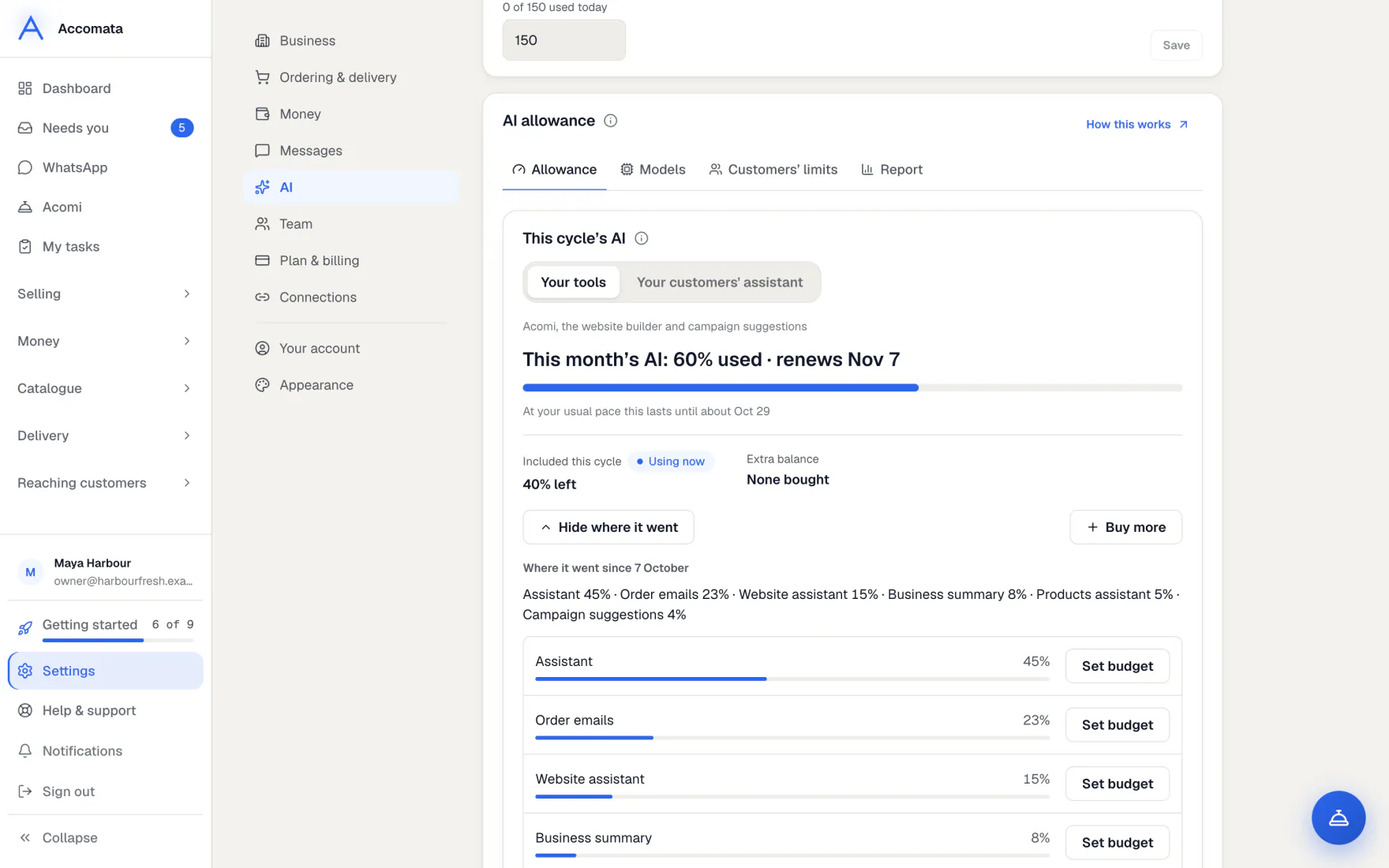
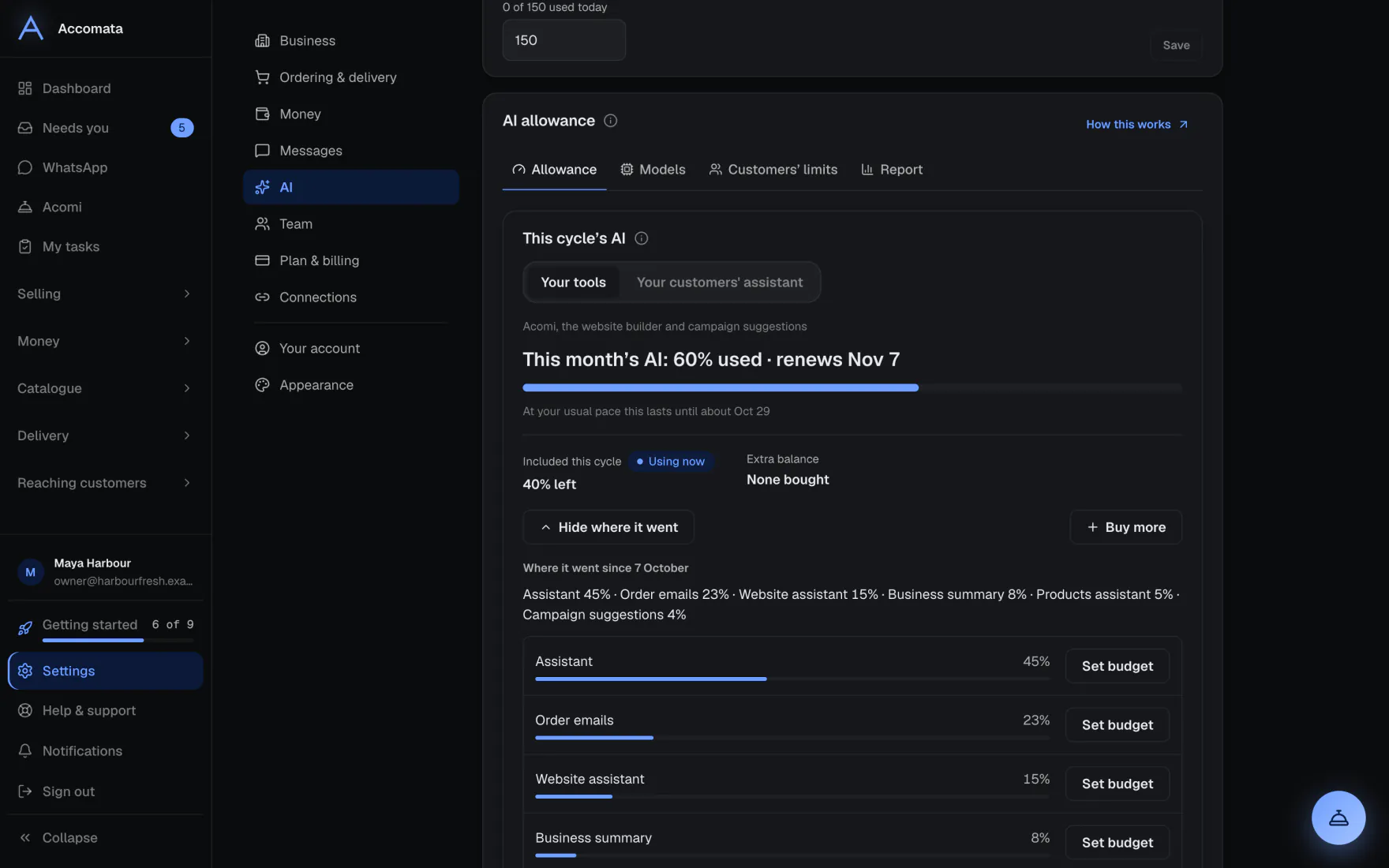
Your plan includes some AI each month. Settings → AI → AI allowance shows how much you have used as a percentage, and the day it renews.
If you need more, you buy extra AI in dollars. It is used only after your included AI, and it never runs out with the month.
How to do it
Read your allowance
- Open Settings → AI → AI allowance.
- Pick Your tools or Your customers’ assistant to see each one.
- Read the bar, such as 62% used · renews Nov 1, and how long it lasts at your usual pace.
- Press See where it went for each feature’s share, such as email orders, Acomi or your website.
In what order AI is used
First your included AI, then any bonus from us, then your extra balance. Included AI goes back to 0% used on your renewal day. It doesn’t carry over.
Add extra AI
- On the Allowance tab, press Buy more.
- Pick an amount, or type any whole dollar amount. Larger top-ups can come with a bonus.
- Pay on the secure page. Your extra balance shows in dollars, such as $16.57 left.
- Save a card under Paying for extra AI if you want buying to be quicker. Receipts lists what you bought.
Choose which models do the work
- Open the Models tab.
- Under How strong a model, pick Recommended, Best or Faster. The “i” on each says which models it means.
- Switch off any AI feature you don’t want.
What if…
What if your included AI is used up?
Your extra balance is used next. If there is none, the AI answers more simply, a limited number of times a day, and website building pauses until you add AI or it renews.
What if the banner offers free extra usage?
Press Use free extra usage to carry on for the rest of the day, up to a daily number of answers.
What if you want to limit your customers’ assistant?
Open Customers’ limits and set how many questions each customer may ask a month. You can give more to one customer.
Common questions
How is AI counted?
As a share of this month’s included AI, shown as a percentage. Extra AI you buy is shown in dollars.
Where can I see AI use by person or by customer?
Open the Report tab. It shows a month by feature, by member of staff and by customer.
Does my renewal day have to be the 1st?
No. It is your business’s own renewal day, shown on the bar.
Do my customers pay for their assistant?
No, never. Their questions come out of your allowance, within the limits you set.
Still stuck?
A person at Accomata reads every email and replies. Tell us what you were doing and what you saw.