Pack & deliver
What it does
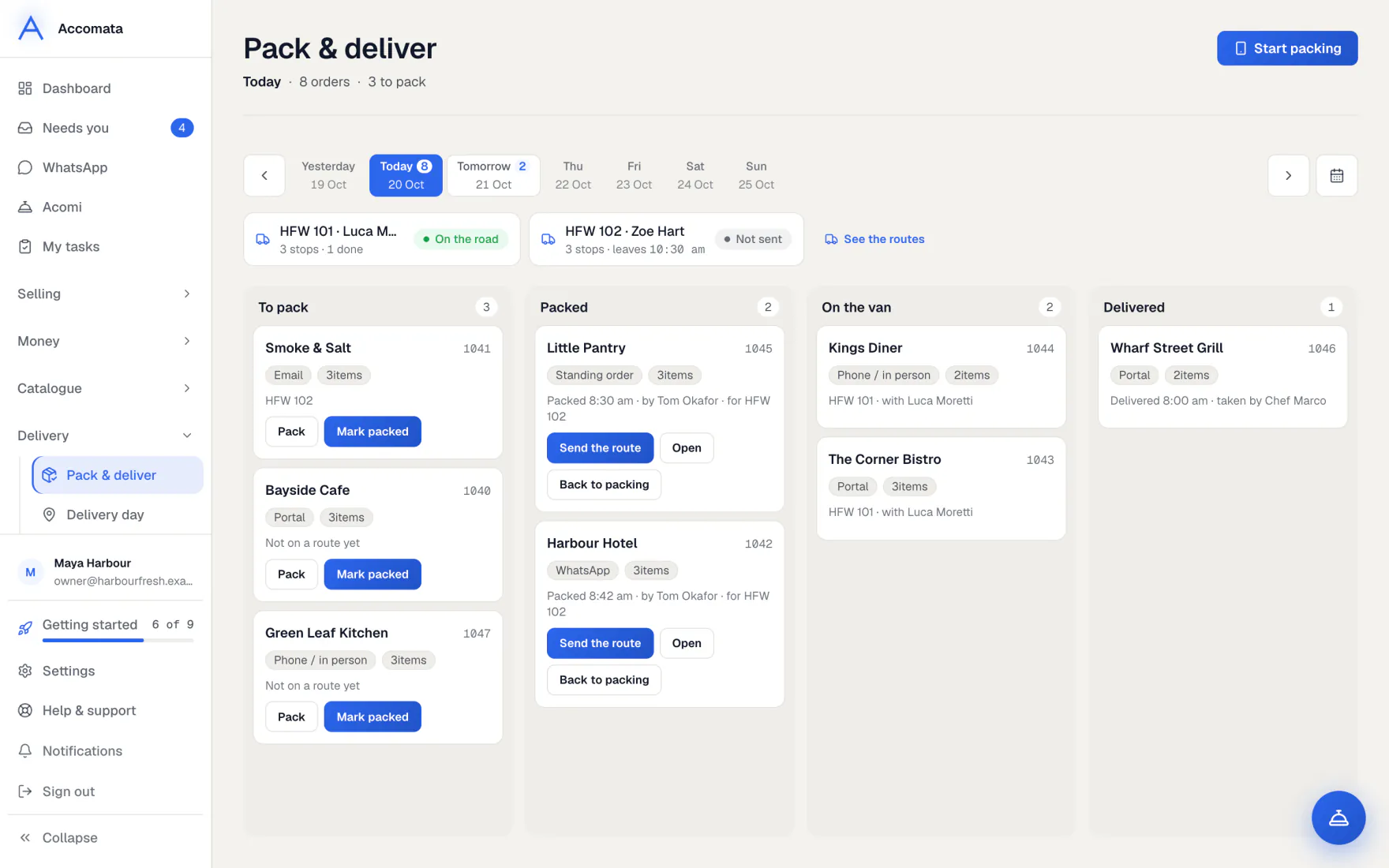
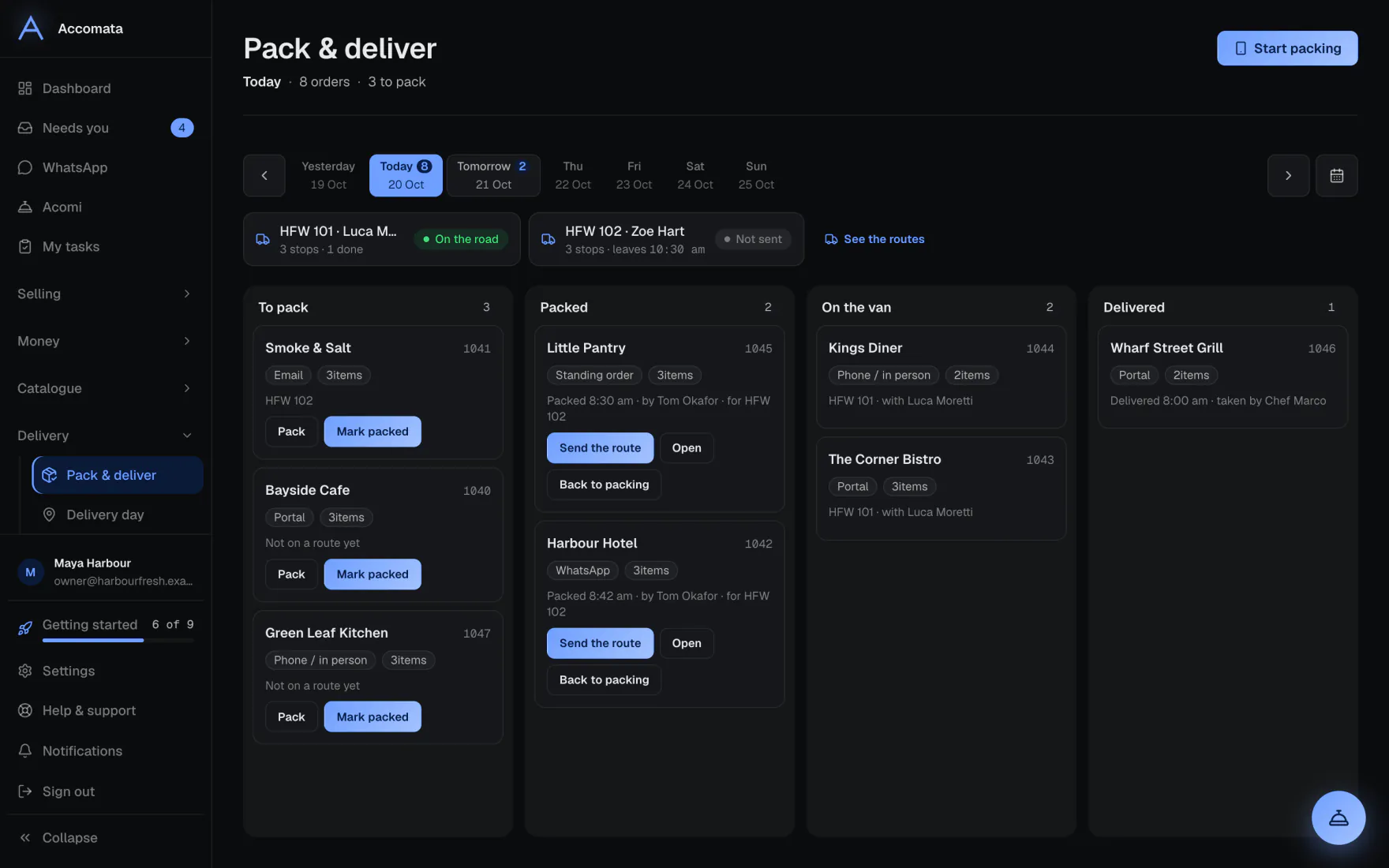
Pack & deliver shows the day’s orders in four columns: To pack, Packed, On the van and Delivered. Orders still to confirm wait at the top.
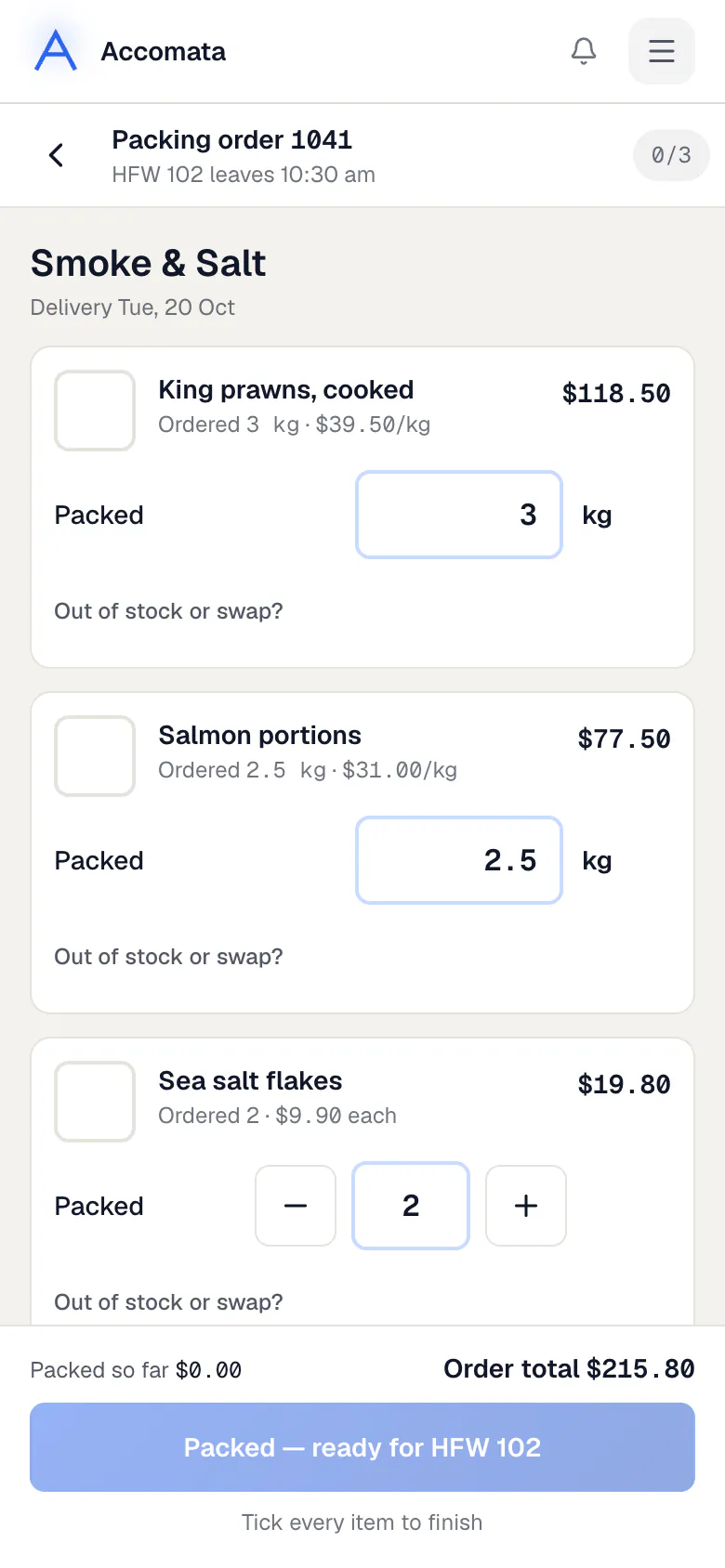
Packers tick each item on a phone and type real weights. Whatever is packed is what gets invoiced.
How to do it
Run the packing board
- Open Pack & deliver and pick the day.
- Confirm the orders under To confirm first, one by one or with Confirm all.
- Open an order in To pack to pack it.
- Packed orders move across by themselves. The van they go on comes from Delivery day.
Pack an order on a phone
- Open the order from the board on any phone.
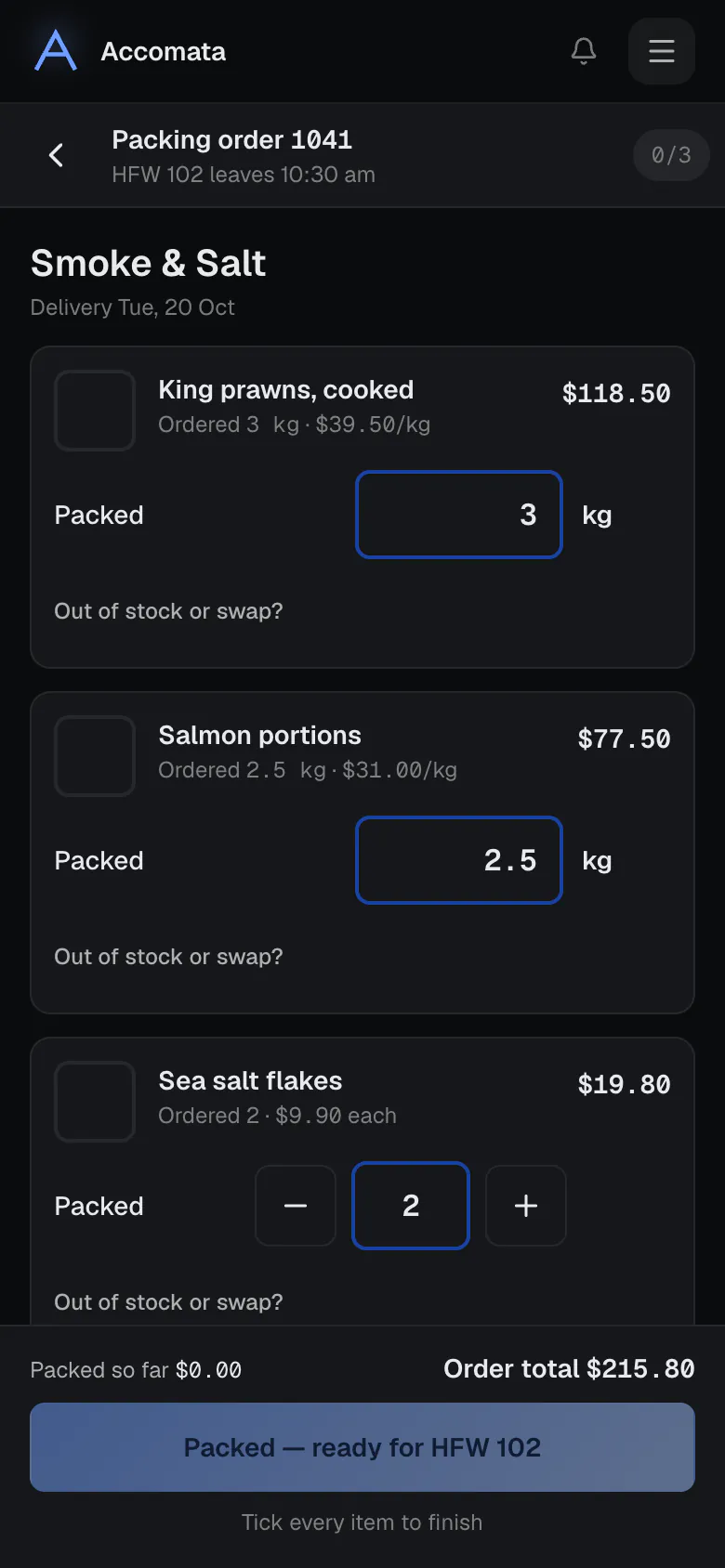
- Tick each item as it goes in. For items sold by weight, type the weight.
- Use − and + for counted items if you pack more or fewer.
- If something is missing, press Out of stock or swap? to mark it short or swap it.
- Press Packed — ready for the van when every item is ticked.
Typed too much?
If an amount is more than three times what was ordered, we ask you to be sure. The money changes as you pack, so you see the new total straight away.
What if…
What if the customer collects?
They show under customers collecting. Pack the order, then press Mark collected when they pick it up.
What if items are short today?
The Short today card lists them, so you can tell customers or swap products.
What if an order was never packed in the app?
It is invoiced from the QuickBooks estimate as it is, with a short note. See Invoices.
Common questions
Is there a packing setting?
No settings are needed. Anyone whose role includes packing can use the board.
Can the customer see what was packed?
Yes. Their order page shows packed against ordered, with any note about short items.
Does the board send the vans out?
No. Routes are sent from Delivery day. The board shows which van each order is on.
Still stuck?
A person at Accomata reads every email and replies. Tell us what you were doing and what you saw.