Autopilot
What it does
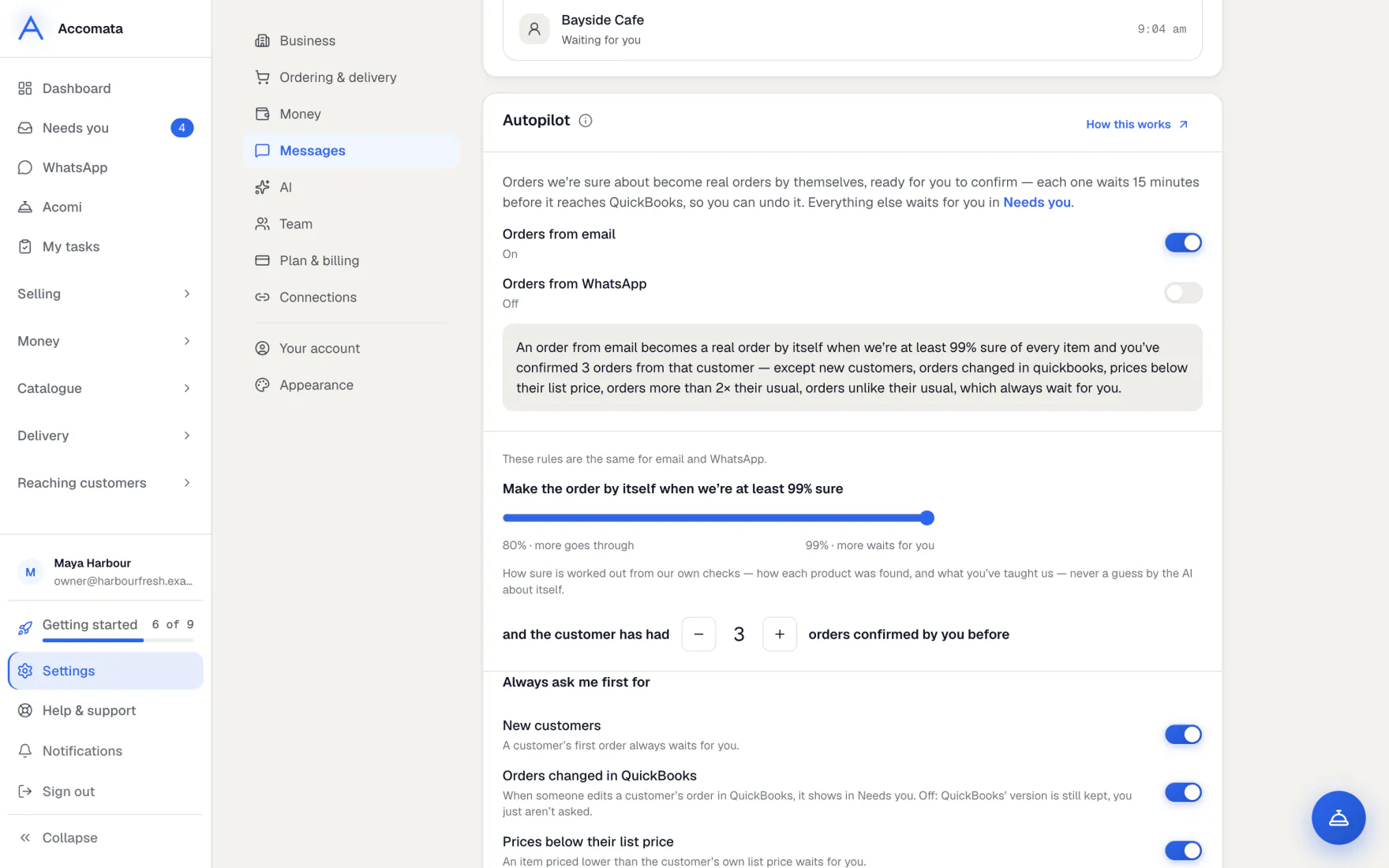
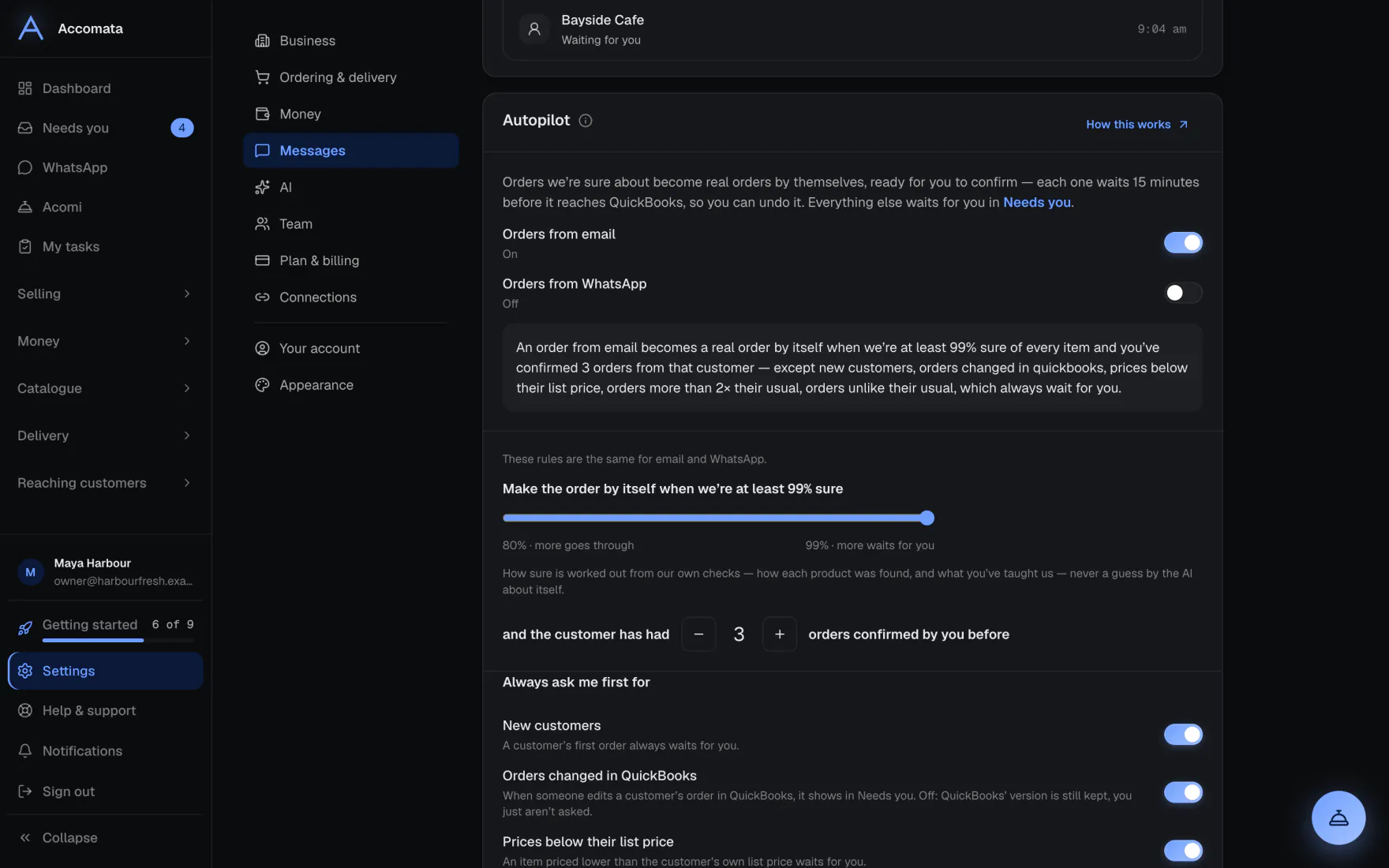
Autopilot turns orders from email and WhatsApp into real orders by itself, but only when we are sure. Anything else waits for you in Needs you.
It is off until you turn it on, with one switch for email and one for WhatsApp. Every order it makes can be undone for 15 minutes, before it goes to QuickBooks.
How to do it
Turn Autopilot on
- Open Settings → Messages → Autopilot.
- Switch on Orders from email, Orders from WhatsApp, or both.
- Choose For which customers. Start with Only customers I choose, and add the ones you trust most.
- Set how sure we must be, and how many confirmed orders a customer needs first.
- Under Always ask me first for, keep the checks you want, such as Orders more than 2× their usual.
How sure is worked out
From our own checks: how each product was found and what you have taught us. Never from the AI judging itself.
Undo an order Autopilot made
- Open the order. It says Created by itself.
- Press Undo this order while the time shown has not passed.
- The order is cancelled before it reaches QuickBooks, and the email or WhatsApp order waits for you again.
What if…
What if the order was read from a photo or a scanned PDF?
Autopilot never makes it by itself. It waits for you.
What if the customer’s account is on hold, or ordering is paused?
Autopilot waits. The order shows the reason in Needs you.
What if you set Only orders up to an amount?
Bigger orders wait for you. Leave it empty for no limit.
Common questions
Does the customer hear that their order arrived?
Switch on Email the customer to say you’ve got it and they are told when Autopilot makes the order.
Is a customer’s first order made by itself?
No. A customer’s first order always waits for you.
Can my staff change Autopilot?
Only people who can create orders and change business settings.
Still stuck?
A person at Accomata reads every email and replies. Tell us what you were doing and what you saw.