Plans and billing
What it does
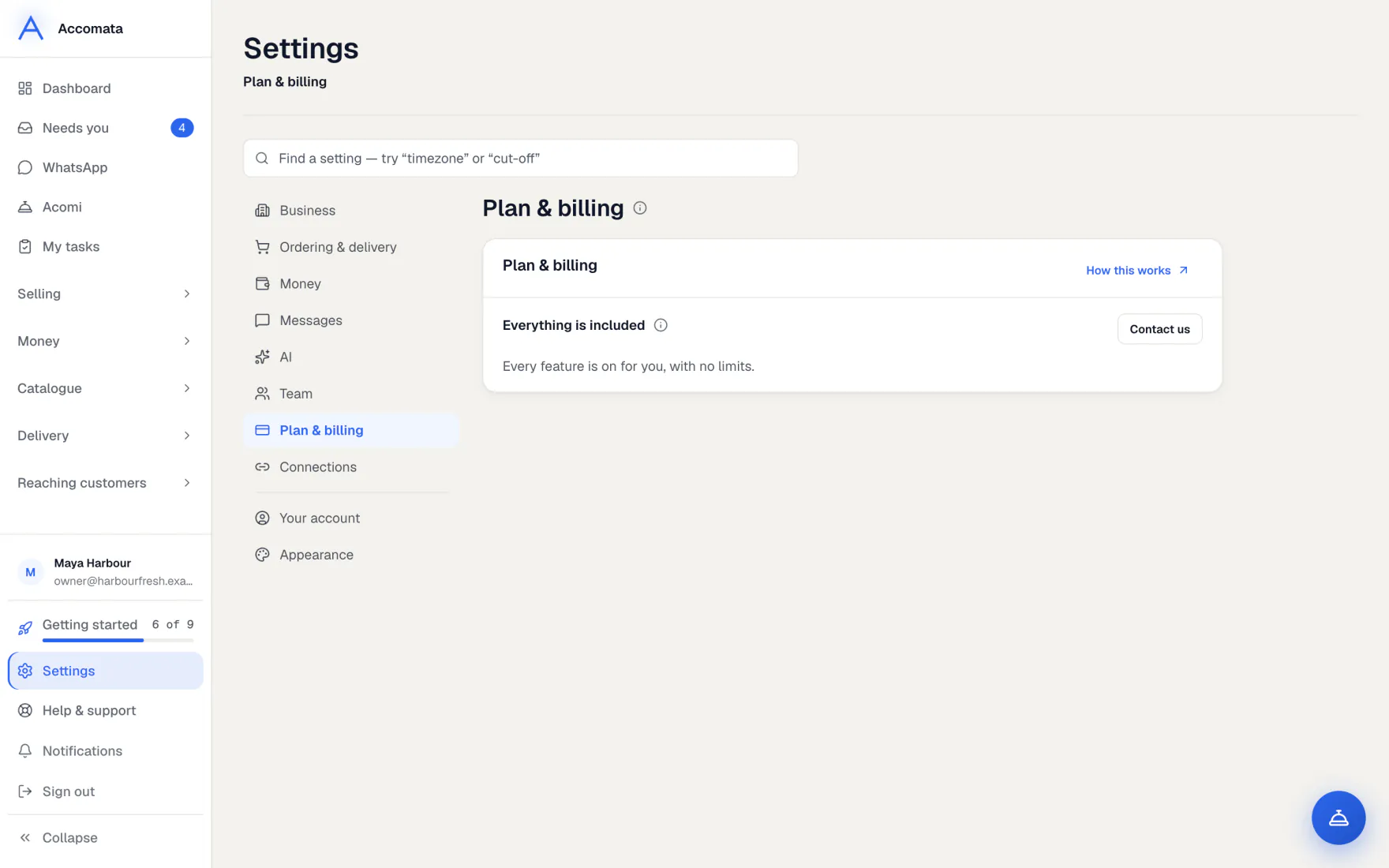
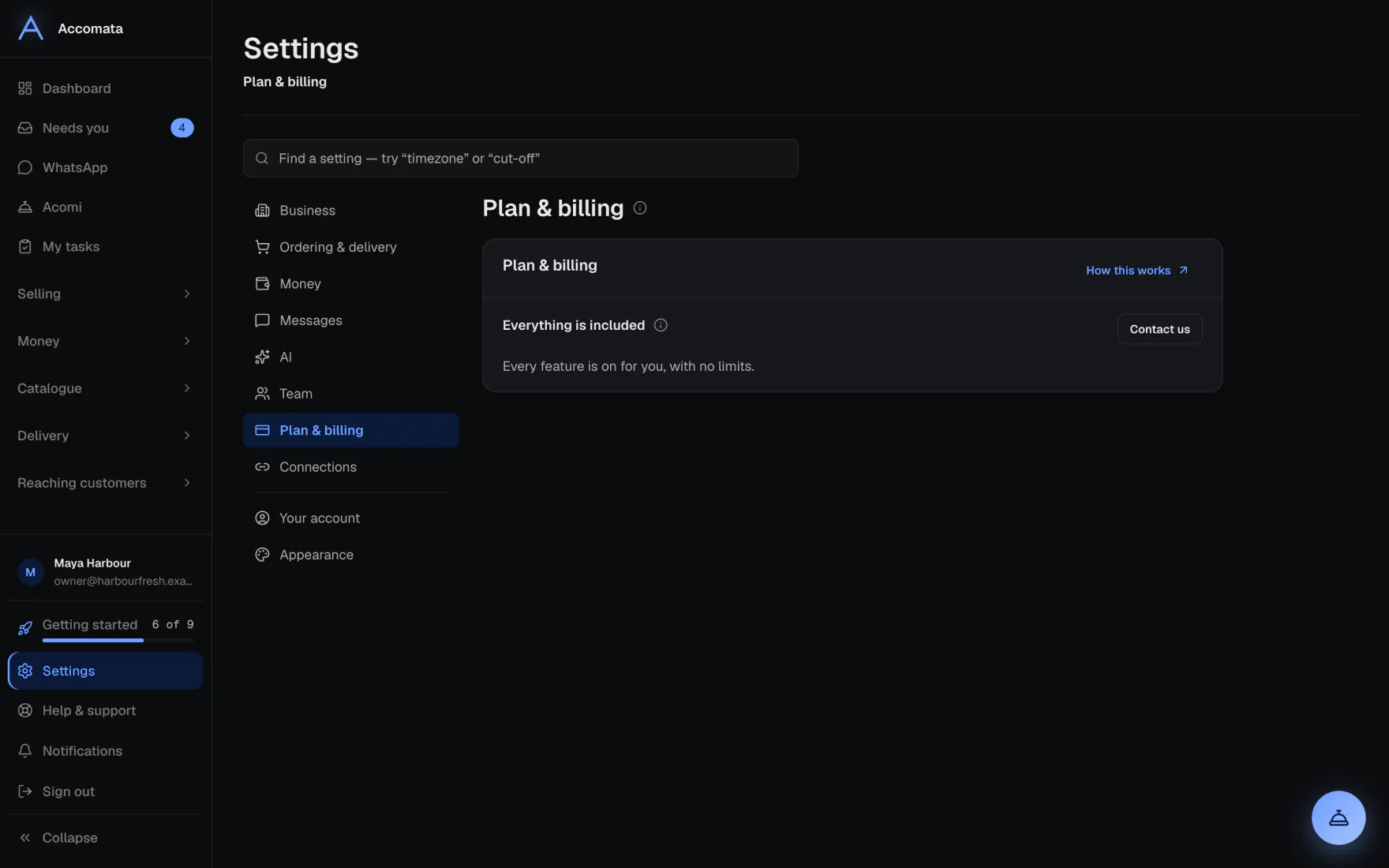
Settings → Plan & billing shows your plan, what it includes, what isn’t part of it, and this month’s usage.
Plans are Starter, Growth, Large and Enterprise. The pricing page lists what each includes.
How to do it
See your plan
- Open Settings → Plan & billing.
- Read what is included, and what is not part of your plan. The “i” beside each says what it is.
- Check this month’s usage bars.
Change your plan
- Look at the plans on the pricing page.
- Email admin@accomata.com with the plan you want.
- Once it is changed, new screens appear in your sidebar by themselves.
What if…
What if a screen says it isn’t part of your plan?
Its button See plans opens Settings → Plan & billing. Nothing is deleted.
What if you reach a limit of your plan?
The screen says which limit, with the same See plans button.
Common questions
Is AI part of my plan?
Each plan includes some AI each month. You can add extra AI in dollars. See Your AI allowance.
Where do I ask about a bill?
Email admin@accomata.com. Billing and account matters go there.
Who can see Plan & billing?
The owner, and staff whose role includes billing or business settings.
Still stuck?
A person at Accomata reads every email and replies. Tell us what you were doing and what you saw.