Acomi’s jobs and how much it does on its own
What it does
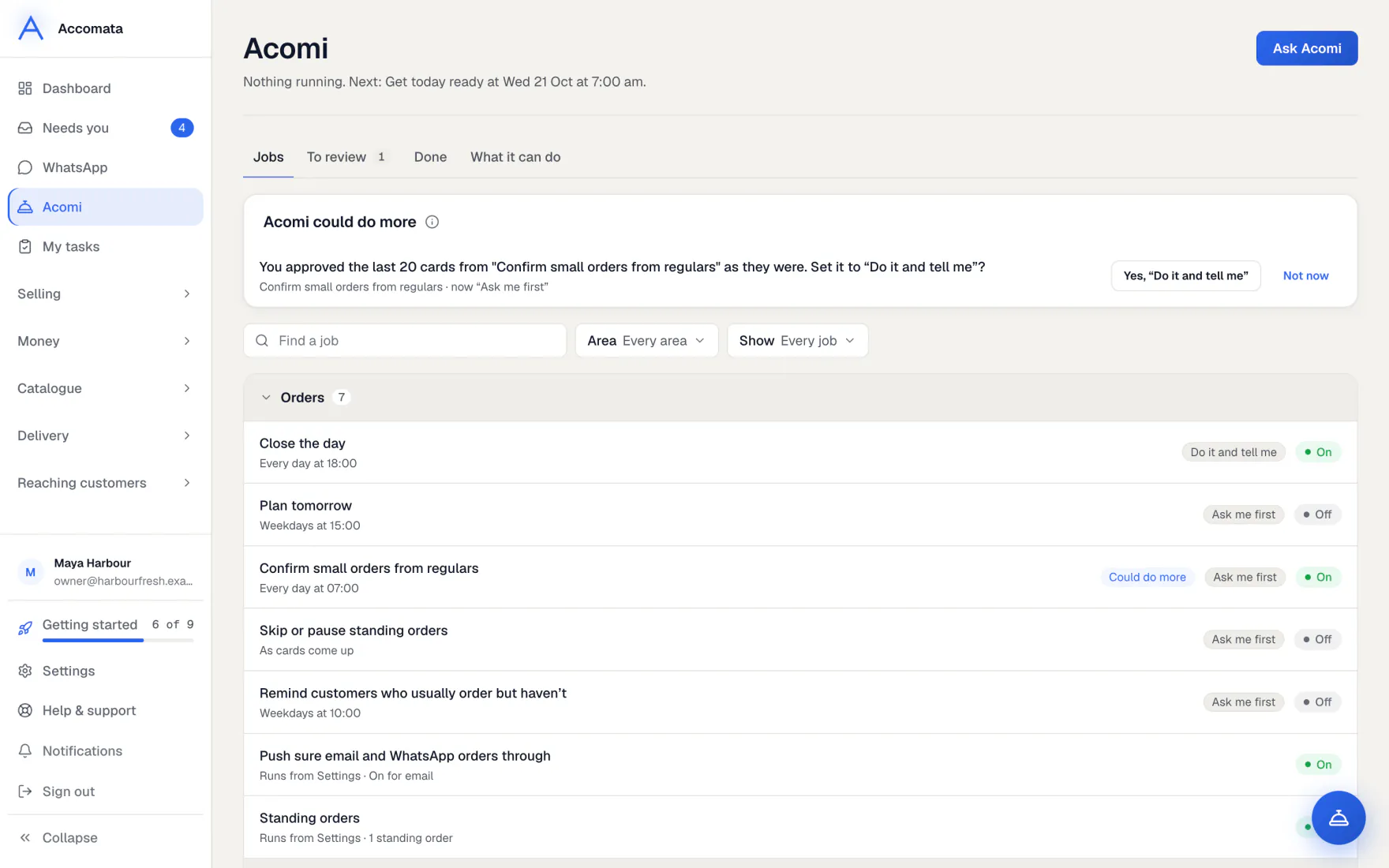
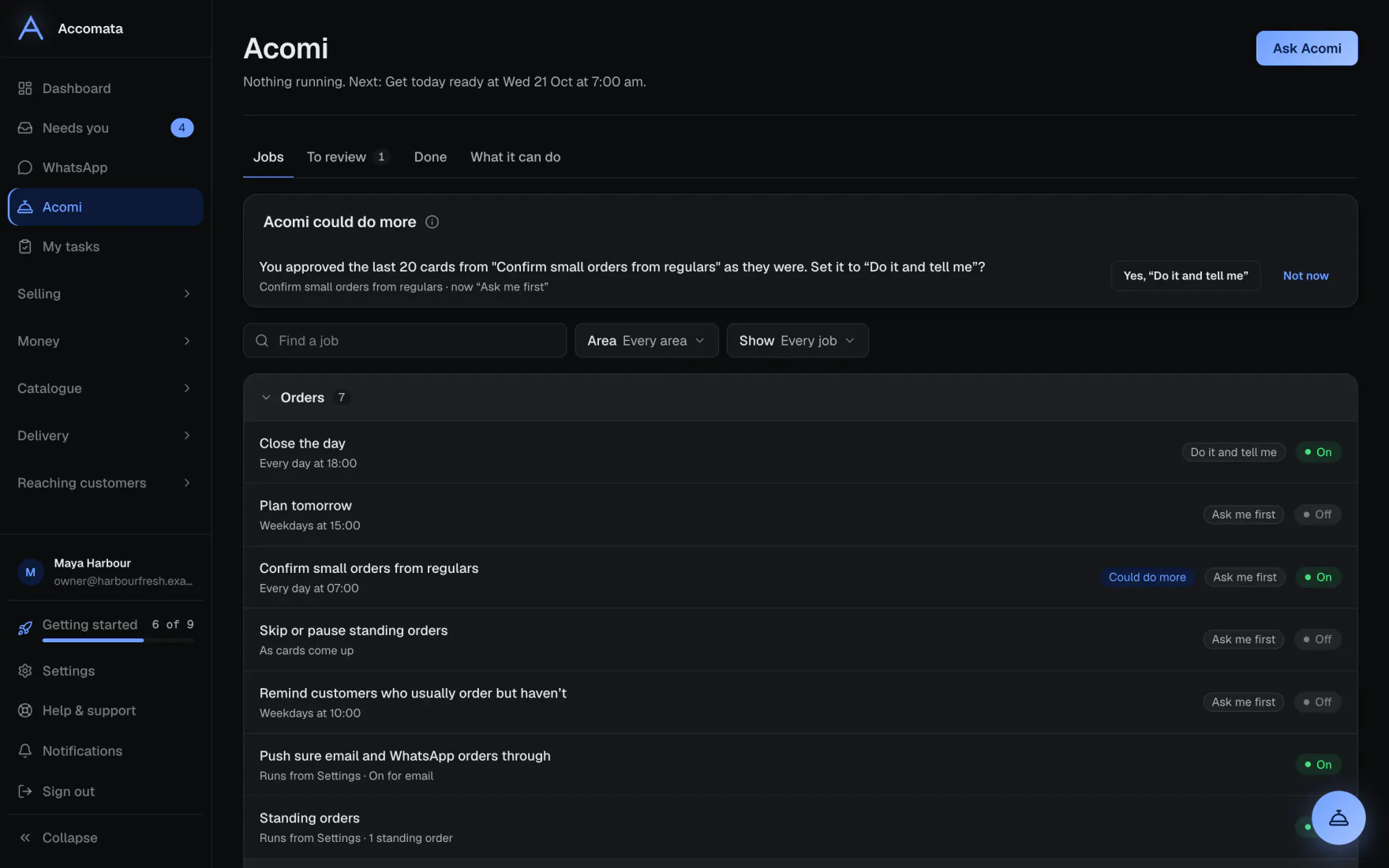
On the Acomi page, Jobs are things Acomi does for you on a schedule, such as getting today ready, chasing overdue invoices or reminding customers to order.
For each job you choose how much it does on its own. Ask me first waits for your OK. Do it and tell me goes ahead and tells you. Just do it goes ahead quietly. Anything that reaches a customer can go no higher than Do it and tell me.
How to do it
Turn a job on
- Open the Acomi page and stay on Jobs.
- If you have none yet, pick one under Start with one of these and press Turn on.
- Press a job to open it. Switch it on.
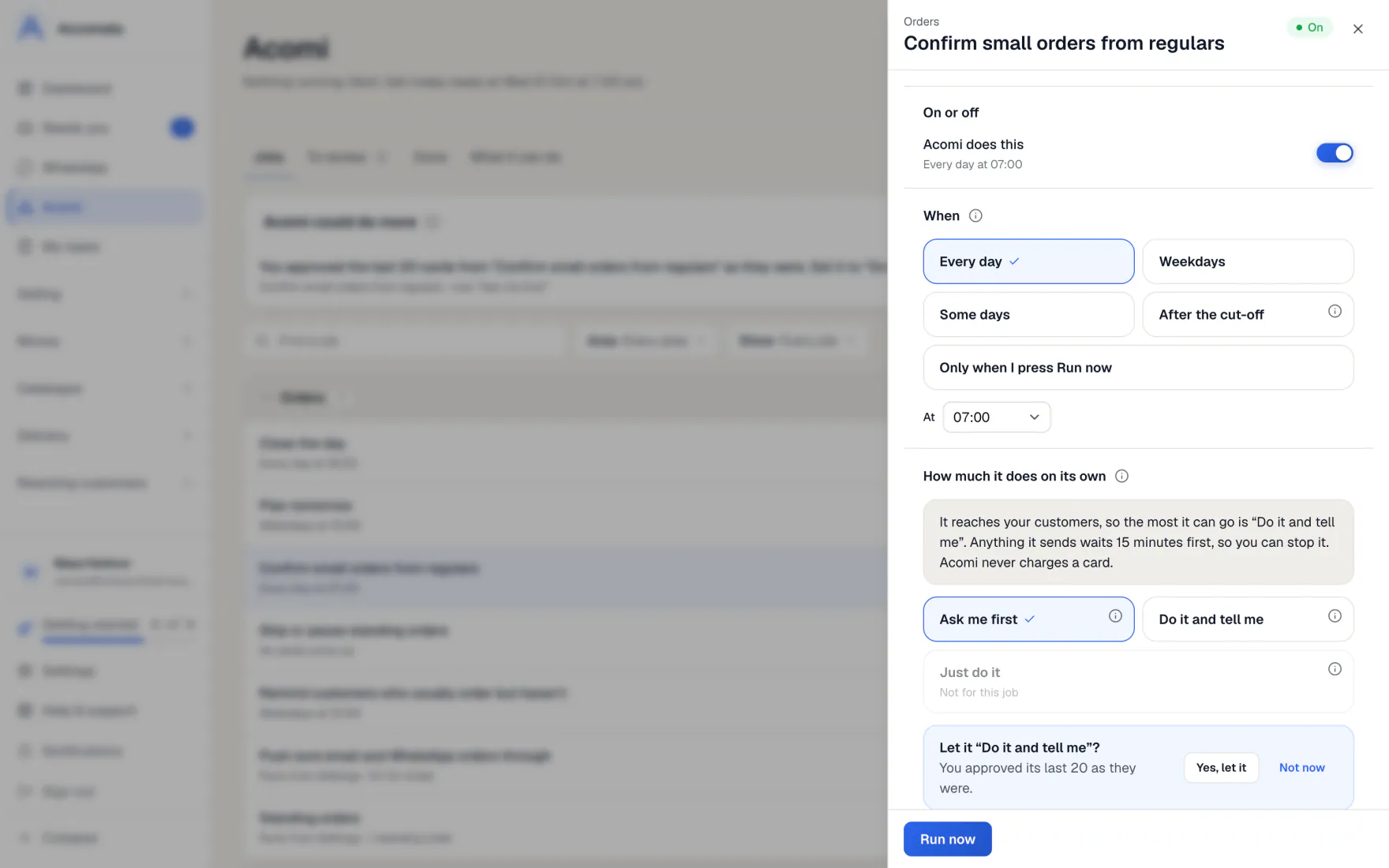
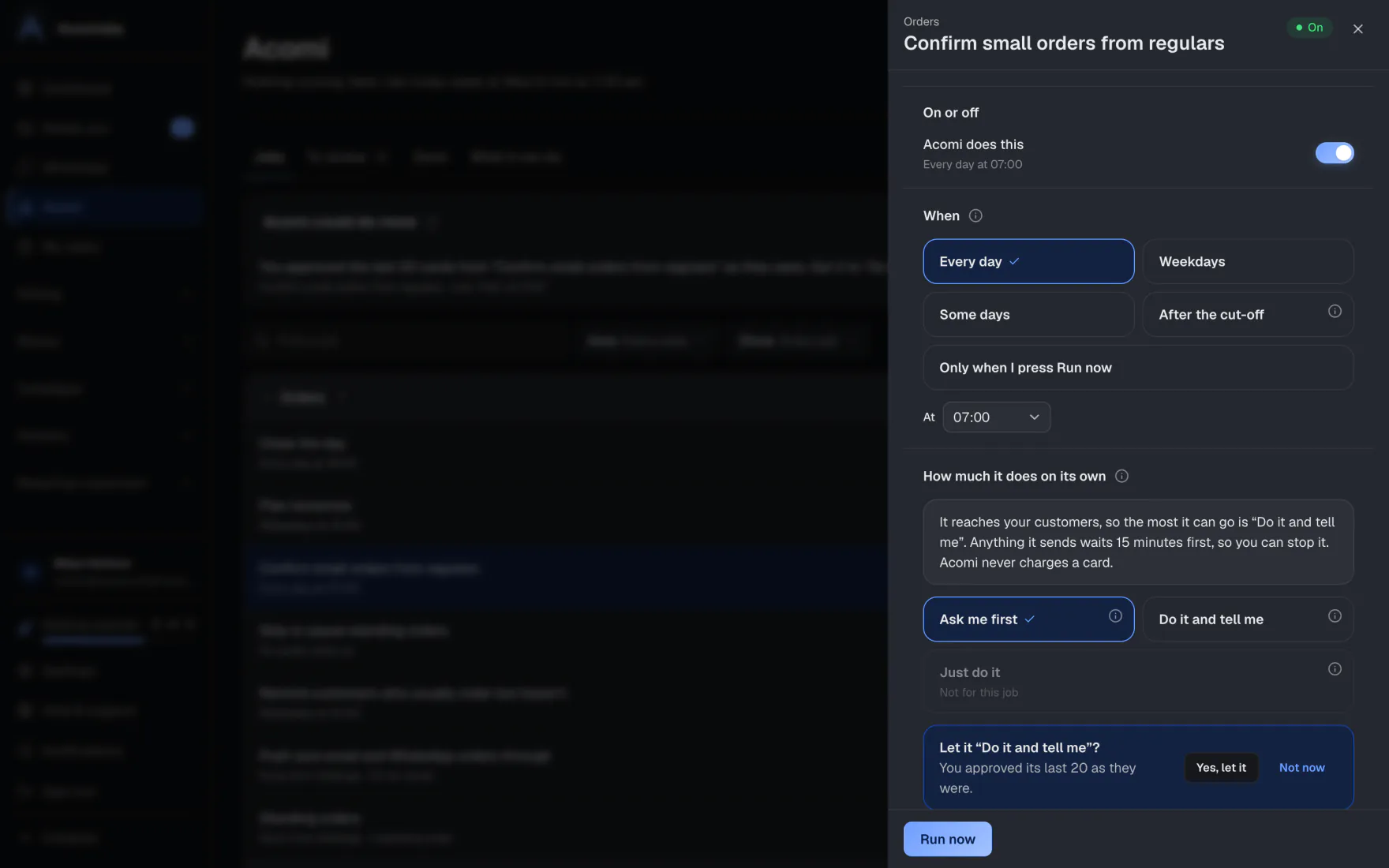
- Under When, pick Every day, Weekdays, Some days, After the cut-off or Only when I press Run now, and the time.
- Press Run now to try it straight away.
Choose how much it does on its own
- Open the job. Find How much it does on its own.
- Pick Ask me first, Do it and tell me or Just do it.
- A level the job can’t take shows Not for this job.
Customer-facing jobs
A job that emails or messages customers goes no higher than Do it and tell me. It waits 15 minutes before sending, so you can press Undo and nothing is sent.
Review and look back
- Open To review for the cards waiting for your OK, grouped by job. Approve each with one tap.
- Open Done to see each run. Press See it for what it did, and Undo while you still can.
- Open What it can do for everything Acomi can help with.
What if…
What if Acomi suggests it could do more?
After a job has gone right many times in a row, the page offers to move it up a level. Say yes, or Not now.
What if you undo something a job did on its own?
The job drops one level, so it asks you again for a while.
What if the page says Acomi is stopped?
It names the reason, such as QuickBooks not being connected, with the one link that fixes it.
What if you do the same thing by hand every week?
Acomi may notice and offer to set up a job for it.
Common questions
Who can give a job more trust?
The owner, or an admin who can change AI settings. Anyone can lower it.
Will Acomi charge a card or pay anyone on its own?
No. Acomi never charges a card.
What happens each morning?
Acomi sends one morning message: what happened overnight, what needs you today, what it did, and anything unusual.
Some jobs say “Runs from Settings”. Why?
They come from a setting, such as invoice timing or Autopilot. Press the link to change them there.
Still stuck?
A person at Accomata reads every email and replies. Tell us what you were doing and what you saw.