WhatsApp orders and your WhatsApp assistant
What it does
WhatsApp ordering is in early access. When it is switched on for your business, WhatsApp appears in your sidebar. Ask us at support@accomata.com to switch it on.
Customers message your number as they always have. The assistant answers questions with their own products and prices, gathers the messages into one order, asks delivery or pickup and the day, and reads it back. You then create the order, or Autopilot does when it is sure.
How to do it
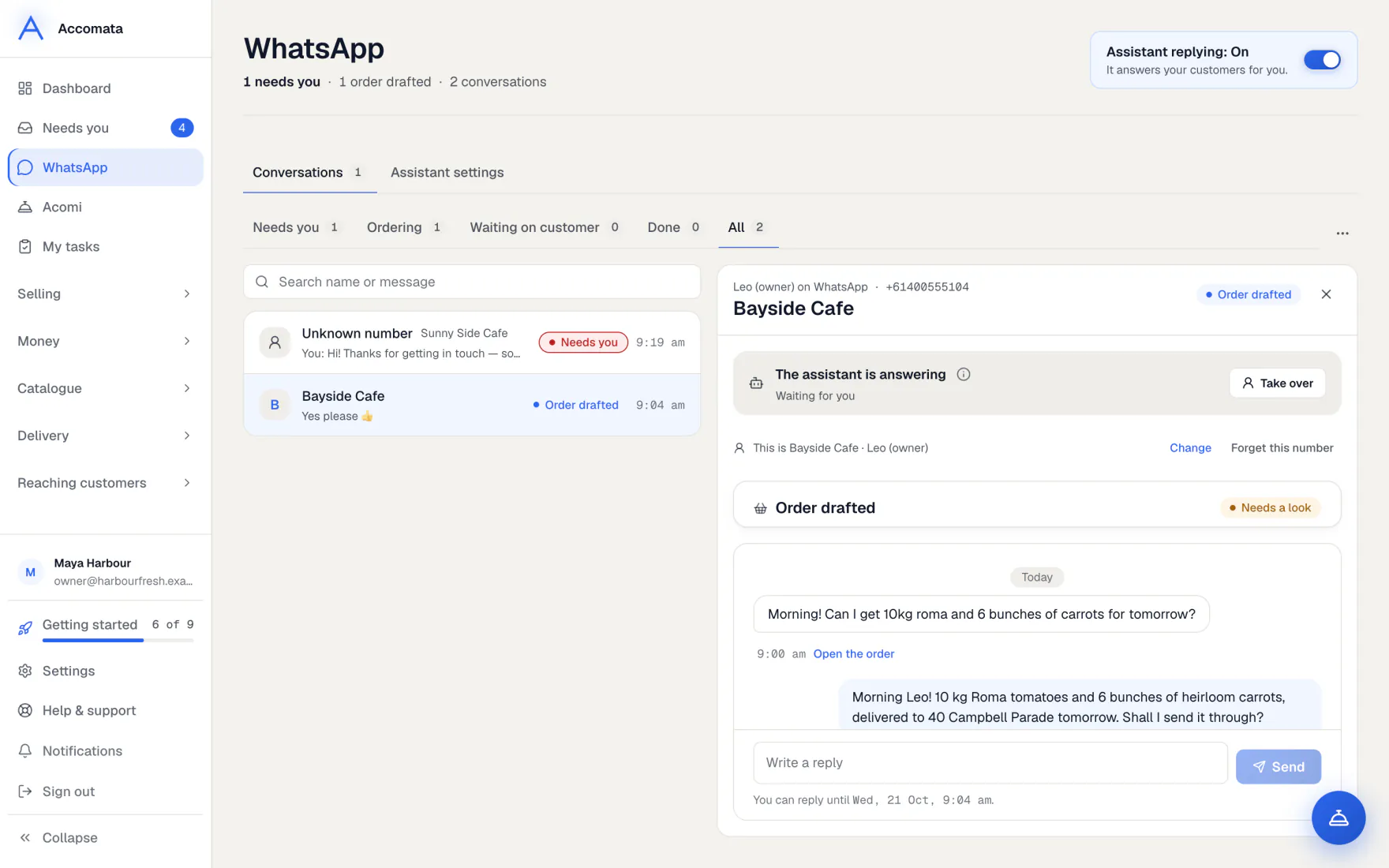
Work through the chats
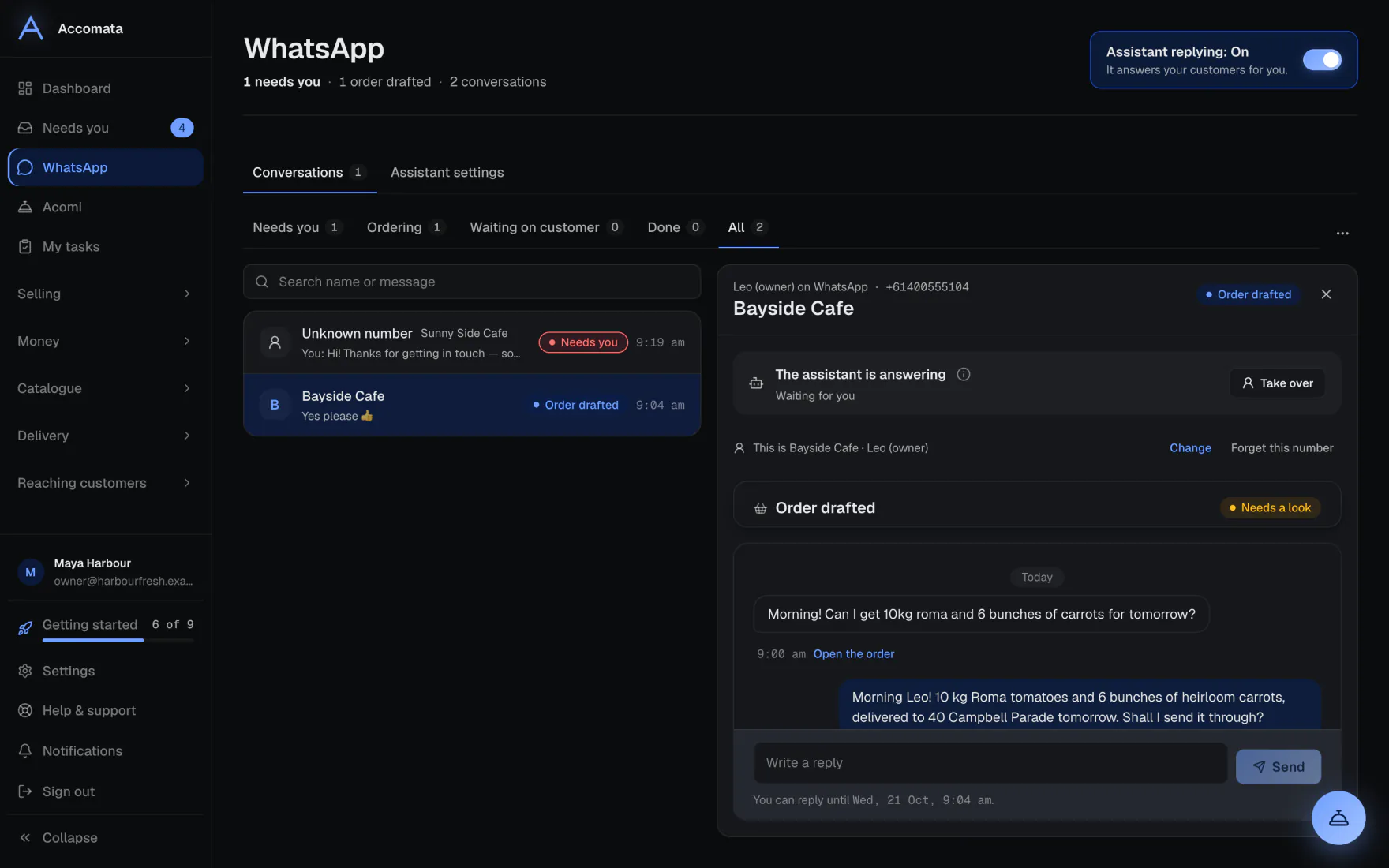
- Open WhatsApp. The tabs sort chats into Needs you, Ordering, Waiting on customer, Done and All.
- Press a chat. The order the assistant gathered shows above the messages.
- Press Create order when it is ready, or Check and create to look it over first.
- Press Take over to answer yourself. Press Hand back to the assistant when you are done.
Link a number to a customer
- A number we don’t know shows as Unknown number with their WhatsApp name.
- If we have a guess, press Yes, link them. Otherwise press Who is this? and pick the customer.
- Then press Confirm it’s them. Until you do, the assistant shares no orders, delivery times or money with that number.
Import many numbers at once
Use Import contacts with a .vcf or .csv file. Pick a customer for each number, then confirm them.
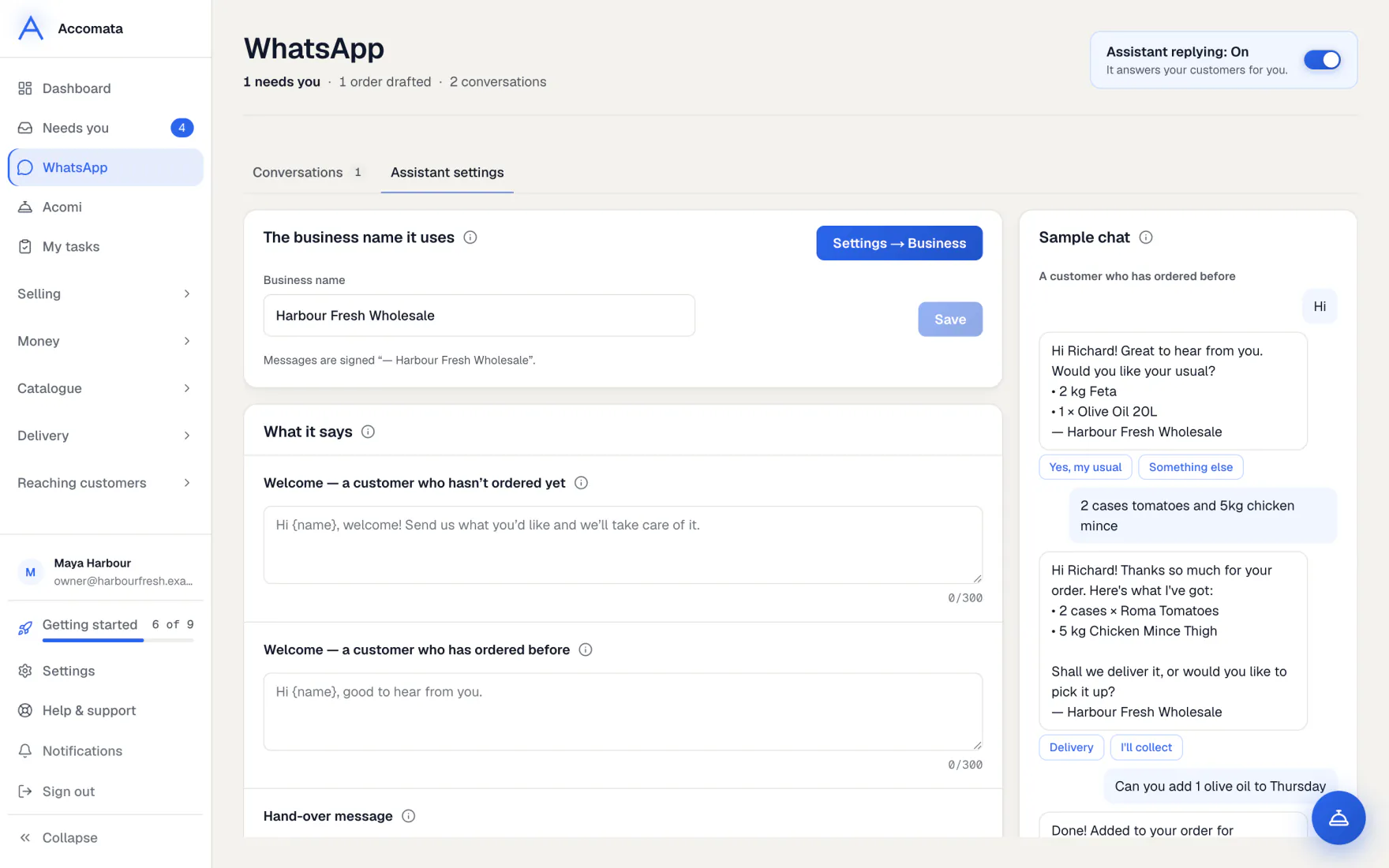
Set up how the assistant works
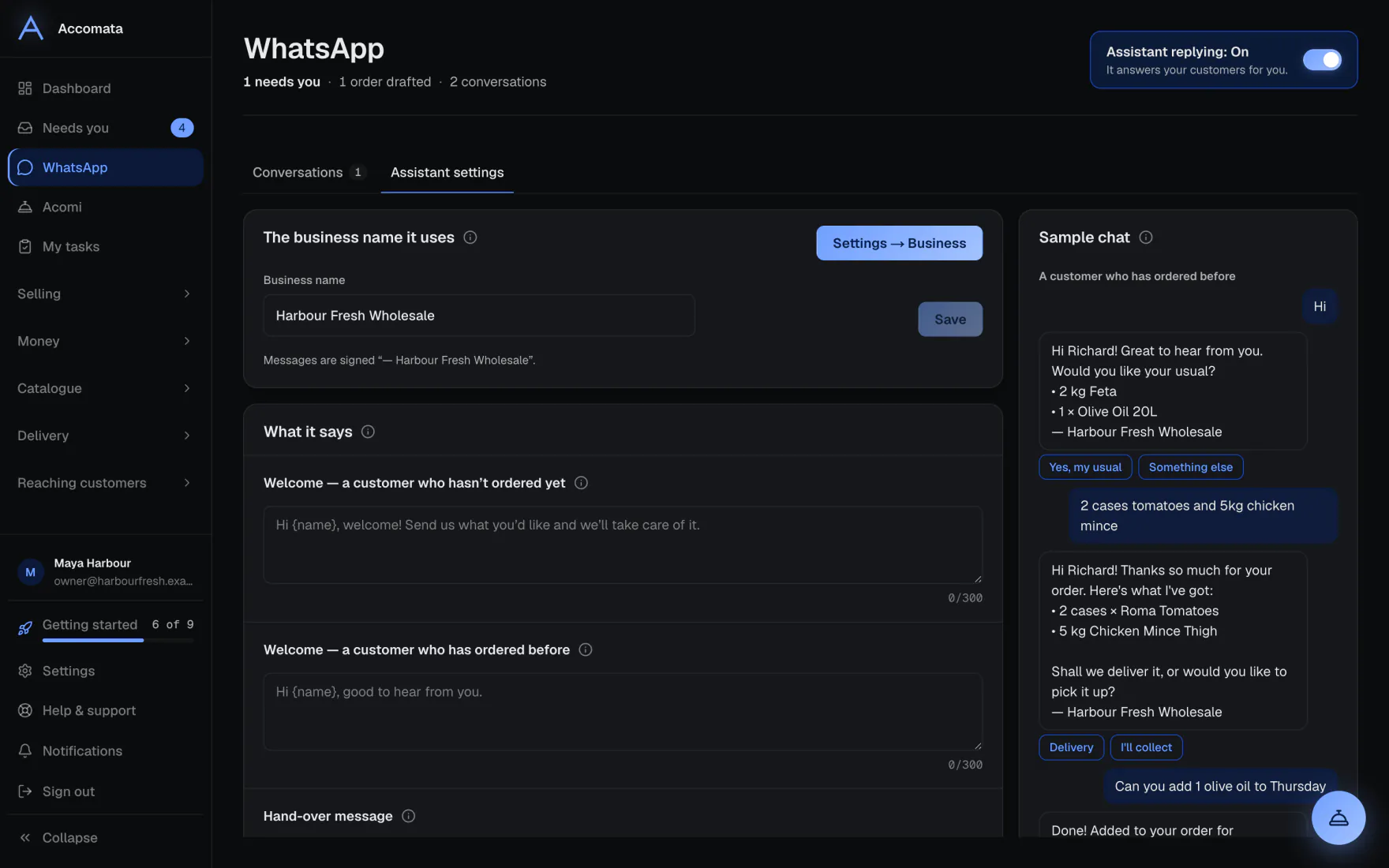
- Open WhatsApp → Assistant settings.
- Use the big switch to turn Assistant replying on or off.
- Set what it says, how it talks, its reply hours and away message.
- Choose what it may do, and when it hands a chat to a person.
- Watch the sample chat beside the cards. It shows how replies will look before you save.
What if…
What if the customer sends a photo or a PDF of their order?
Photos are read, including a photo sent as a file and a PDF made of photos. The items join their order.
What if the customer sends a voice note?
Voice notes are not read yet. The chat shows Voice note — not read yet, so you can listen and reply.
What if more than a day has passed since their last message?
WhatsApp only lets you reply within 24 hours of the customer’s last message. After that the reply box is replaced by a short explanation.
What if they add items to an order they already have?
The order shows Add to their order. It joins the existing order, never makes a second one. Once the first is packed, a new order waits for you.
Common questions
Can my customers link their own WhatsApp?
Yes. In their portal, under Account, they press Link my WhatsApp and send the code shown.
When does the assistant hand a chat to me?
When you choose: for example a complaint, an upset customer, or something it didn’t understand twice. You set this in Assistant settings.
Does it follow my house rules?
Yes. The rules it follows lists your real settings, such as delivery days and the minimum order, each with a link to change it.
Can it take payments?
It can send a card payment link once your Stripe account is set up and you allow it. It never takes card details in the chat.
Still stuck?
A person at Accomata reads every email and replies. Tell us what you were doing and what you saw.